Social Media Templates for Business: The Ultimate Guide
Discover how social media templates for business can cut your content creation time by 60% while boosting brand consistency. Follow this step-by-step guide to find, customize, and systematize Canva templates across Instagram, LinkedIn, Facebook, and Pinterest — and start creating scroll-stopping content today.
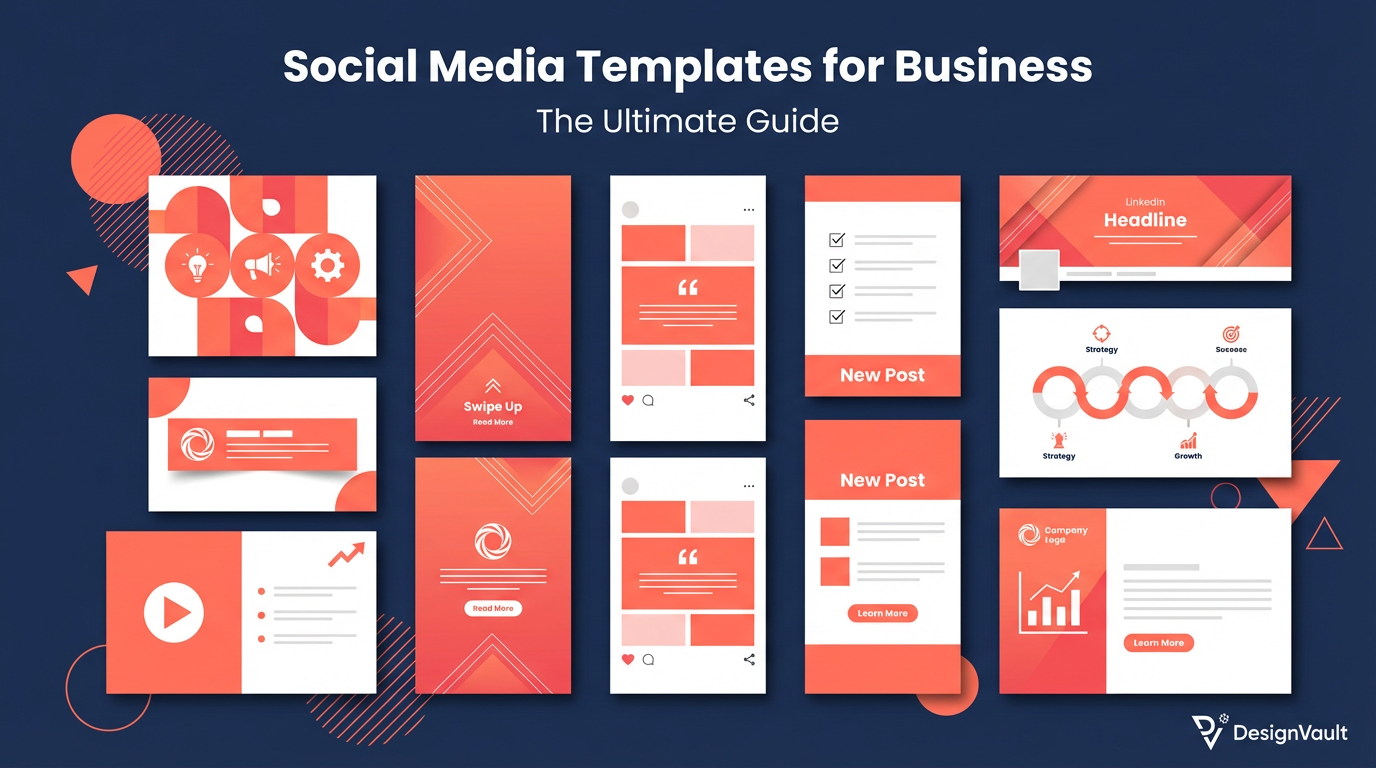
# Social Media Templates for Business: The Ultimate Guide
If you've ever stared at a blank Canva canvas wondering what to post next, you're not alone. Consistent, on-brand social media content is one of the biggest challenges business owners face — and it's also one of the biggest opportunities. The solution? **Social media templates for business** that let you create professional, scroll-stopping posts in minutes, not hours.
In this step-by-step guide, you'll learn exactly how to find, customize, and systematize social media templates so your brand shows up consistently across every platform — without burning out your creative energy.
---
Why Social Media Templates for Business Are a Game-Changer
Before we dive into the how-to, let's talk about why templates matter.
The average small business owner spends **6+ hours per week** on social media content creation. That's time that could be spent serving clients, developing products, or growing revenue. **Social media templates for business** cut that time by 60–80% while actually *improving* the quality and consistency of your content.
Here's what templates do for you:
---
Step 1: Define Your Brand Identity Before You Template
The biggest mistake business owners make is jumping straight into templates without a clear brand foundation. Before you download a single template, nail down:
**Your brand colors:** Choose 2–3 primary colors and 1–2 accent colors. Stick to them religiously.
**Your fonts:** Pick one heading font and one body font. Canva's font pairing suggestions are a great starting point.
**Your brand voice:** Are you professional and authoritative? Warm and conversational? Playful and bold? Your captions and template style should match.
**Your content pillars:** Identify 3–5 recurring themes you'll post about (e.g., tips, behind-the-scenes, testimonials, product features, motivational quotes). Each pillar gets its own template style.
Once you have these defined, every template you use will feel cohesive — like it came from the same brand, not a random collection of designs.
---
Step 2: Choose the Right Social Media Templates for Your Platforms
Not all platforms are created equal, and neither are their content formats. Here's what to prioritize:
Instagram (Feed + Stories + Reels Covers)
Look for templates with bold typography and strong visual hierarchy — Instagram is a visual-first platform.
LinkedIn rewards educational, value-packed content. Choose templates with clean layouts and professional color palettes.
Facebook audiences respond well to community-focused content. Templates with warm colors and clear CTAs tend to perform well.
Pinterest is a search engine, so your templates should include keyword-rich text overlays and clear, descriptive titles.
You can find professionally designed **social media templates for business** across all these formats at [DesignVault](https://designvault.abacusai.app/products) — ready to customize in Canva with one click.
---
Step 3: Customize Templates to Match Your Brand
Downloading a template is just the beginning. Here's how to make it truly yours:
**1. Swap the colors first.** Replace every color in the template with your brand palette. In Canva, use the "Brand Kit" feature to apply your colors with one click.
**2. Update the fonts.** Replace template fonts with your brand fonts. Keep heading/body hierarchy intact.
**3. Add your logo.** Place your logo consistently — usually bottom-right or bottom-center — at 10–15% opacity if it's a watermark, or full opacity if it's a featured element.
**4. Replace placeholder images.** Use your own product photos, headshots, or lifestyle images. Canva's background remover makes this seamless.
**5. Write your copy.** Keep headlines punchy (under 8 words), use your brand voice, and always include a micro-CTA (e.g., "Save this post," "Link in bio," "Comment below").
**Pro tip:** Create a "Master Brand Template" in Canva with your colors, fonts, and logo already applied. Duplicate it whenever you start a new design.
---
Step 4: Build a Content Batching System
The real power of **social media templates for business** comes from batching. Instead of creating content daily (which kills momentum), set aside 2–3 hours once a week to create all your posts at once.
Here's a simple batching workflow:
1. **Monday:** Plan your content calendar for the week. Decide which content pillar each day covers.
2. **Tuesday:** Write all your captions in a Google Doc or Notion page.
3. **Wednesday:** Open Canva, pull up your templates, and design all posts in one session.
4. **Thursday:** Schedule everything using a tool like Buffer, Later, or Metricool.
5. **Friday–Sunday:** Engage with comments and DMs. Let the scheduled content do the heavy lifting.
This system transforms social media from a daily stressor into a predictable, manageable workflow.
---
Step 5: Track Performance and Iterate
Templates aren't set-and-forget. Every 30 days, review your analytics:
Use this data to double down on what's working. If your quote templates consistently outperform your product posts, create more quote template variations. If your carousel templates drive saves and shares, invest in more carousel designs.
The goal is to build a **living template library** that evolves with your audience's preferences.
---
Where to Get Professional Social Media Templates for Business
You have two options: DIY or done-for-you.
**DIY:** Build your own templates from scratch in Canva. This gives you maximum control but takes significant upfront time.
**Done-for-you:** Purchase professionally designed template packs from a trusted source. This is the fastest path to a polished, consistent brand presence.
At [DesignVault](https://designvault.abacusai.app/products), we offer curated Canva template packs specifically designed for coaches, consultants, and service-based businesses. Each pack includes templates for feed posts, stories, carousels, and more — all fully customizable and ready to use in minutes.
---
Final Thoughts
**Social media templates for business** aren't just a time-saver — they're a strategic asset. When your content looks consistent, professional, and on-brand, you build trust with your audience faster. And trust is what converts followers into clients.
Start with Step 1 today: define your brand identity. Then grab a template pack that matches your aesthetic, customize it to your brand, and batch your first week of content. You'll be amazed at how much easier — and more enjoyable — social media becomes when you have the right systems in place.
Ready to level up your content game? Explore our full collection of **social media templates for business** at [DesignVault](https://designvault.abacusai.app/products) and start creating content that actually converts.
Tools to Put This Into Practice
Skip the DIY — these templates are built for exactly what you just read about.