Canva Templates for Coaches: Build Your Brand in 5 Steps
Discover how to use Canva templates for coaches to build a professional, consistent brand in just five steps. From defining your brand identity to batching content, this tutorial shows you exactly how to attract more clients with stunning visuals — no design experience needed.
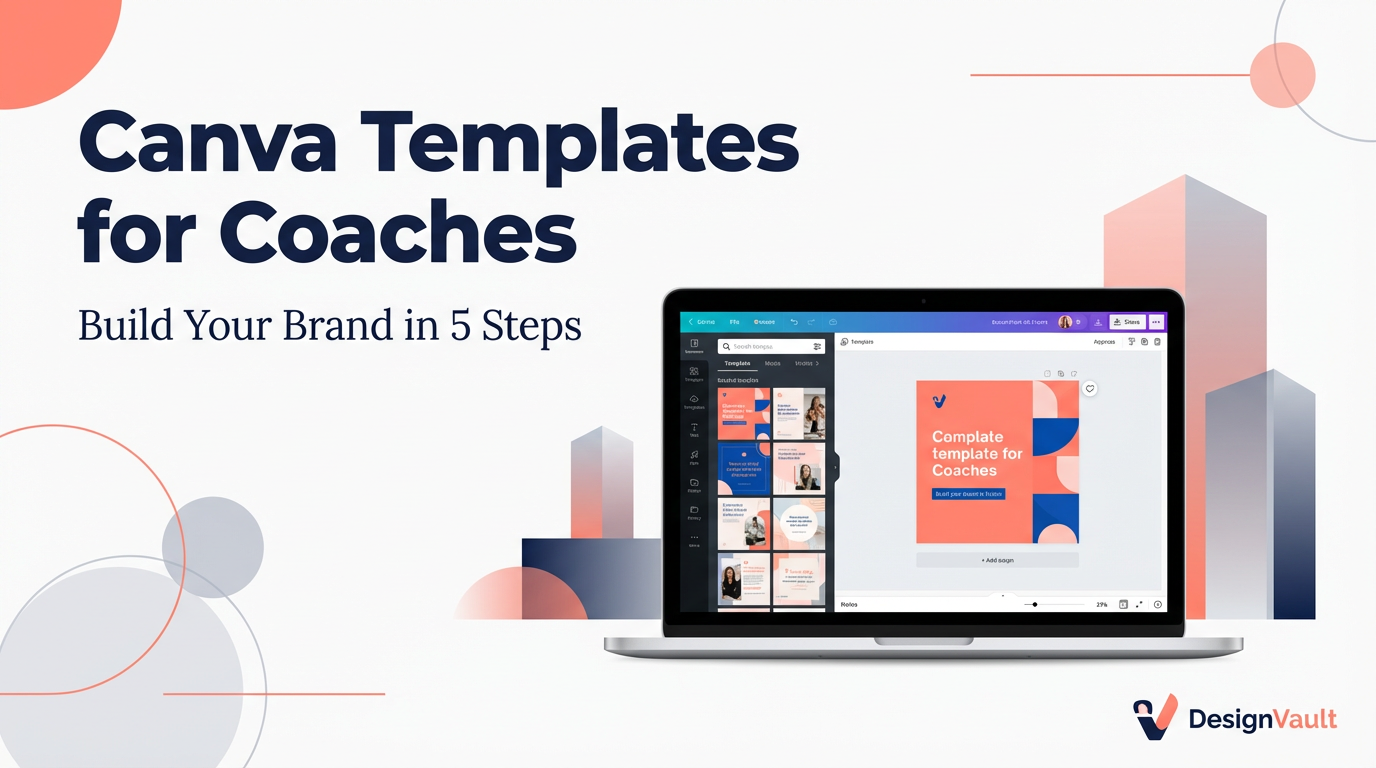
# Canva Templates for Coaches: Build Your Brand in 5 Steps
If you're a coach trying to grow your business online, you already know that first impressions matter. Your brand visuals — from your Instagram posts to your lead magnet PDFs — are often the first thing a potential client sees. The good news? You don't need to hire a graphic designer or spend hours learning complex software. **Canva templates for coaches** make it easy to create polished, professional designs in minutes.
In this step-by-step tutorial, you'll learn exactly how to find, customize, and deploy Canva templates to build a cohesive coaching brand that attracts your ideal clients.
---
Why Canva Templates Are a Game-Changer for Coaches
Before we dive into the steps, let's talk about why so many successful coaches rely on Canva templates.
Running a coaching business means wearing many hats — content creator, marketer, client manager, and more. Spending hours designing graphics from scratch isn't a good use of your time. **Canva templates for coaches** solve this by giving you professionally designed starting points that you can customize to match your brand in minutes.
Here's what you gain:
Now, let's walk through the five steps to make it happen.
---
Step 1: Define Your Brand Identity Before You Open Canva
The biggest mistake coaches make is jumping straight into Canva without a clear brand identity. Templates are only as good as the brand guidelines you apply to them.
Before you start, nail down these four elements:
1. **Brand Colors:** Choose 2–3 primary colors and 1–2 accent colors. Use a tool like Coolors.co to generate a cohesive palette.
2. **Fonts:** Pick one heading font and one body font. Canva has hundreds of free options — look for pairings that feel professional and match your coaching niche (e.g., bold and modern for business coaches, soft and elegant for wellness coaches).
3. **Logo or Wordmark:** Even a simple text-based logo works. You'll add this to every template.
4. **Brand Voice:** Are you authoritative and direct? Warm and nurturing? Your visual style should reflect your tone.
Once you have these defined, save them in a Canva Brand Kit (available on Canva Pro) so they're always one click away.
---
Step 2: Choose the Right Canva Templates for Your Coaching Business
Not all templates are created equal. When browsing **Canva templates for coaches**, look for designs that match the platforms and content types you use most.
Here are the essential template categories every coach needs:
You can find high-quality, coach-specific templates at [DesignVault's product library](https://designvault.abacusai.app/products), where every template is designed with coaches and digital entrepreneurs in mind.
**Pro tip:** When selecting templates, look for ones with a clean layout and plenty of white space. Overly complex designs are harder to customize and can look cluttered when you add your content.
---
Step 3: Customize Your Templates to Match Your Brand
This is where the magic happens. Open your chosen template in Canva and follow this customization checklist:
Colors
Fonts
Images
Logo & Branding
Copy
Once you've customized one template, save it as a new template in your Canva account so you can reuse the branded version for future content.
---
Step 4: Build a Content System Around Your Templates
Having great **canva templates for coaches** is only half the battle — you need a system to use them consistently.
Here's a simple content batching workflow:
1. **Plan your content calendar** at the start of each month. Decide what you'll post on each platform and what type of design each post needs.
2. **Batch your design work** into one or two sessions per week. Open Canva, pull up your saved templates, and create all the graphics for the week in one sitting.
3. **Create a folder system** in Canva: organize by content type (e.g., "Instagram Posts," "Lead Magnets," "Webinar Slides") so you can find assets quickly.
4. **Download in the right format:** Use PNG for social media images, PDF for documents, and MP4 for animated posts.
5. **Schedule your content** using a tool like Buffer or Later so your posts go out automatically.
This system means you spend less time designing and more time coaching — which is exactly where your energy should go.
---
Step 5: Expand Your Template Library as Your Business Grows
Once you've mastered the basics, it's time to level up your template library. As your coaching business grows, you'll need more specialized assets:
Investing in a premium template pack — like those available at [DesignVault](https://designvault.abacusai.app/products) — gives you a cohesive set of designs that work together across all these formats, saving you hours of design time and ensuring your brand looks consistent everywhere.
---
Final Thoughts
Building a professional coaching brand doesn't require a big budget or design skills. With the right **canva templates for coaches**, you can create stunning visuals that attract your ideal clients, build trust, and grow your business — all without spending hours in front of a design tool.
Follow these five steps, stay consistent with your brand identity, and invest in quality templates that do the heavy lifting for you. Your brand is your first impression — make it count.
Ready to elevate your coaching brand? Explore our full collection of coach-specific Canva templates and digital products at [DesignVault](https://designvault.abacusai.app/products).
Tools to Put This Into Practice
Skip the DIY — these templates are built for exactly what you just read about.