How to Sell Digital Products: A Step-by-Step Guide
Learn how to sell digital products online with this step-by-step tutorial. From choosing the right product and platform to pricing and marketing strategies, this guide covers everything you need to launch and grow your digital product business.
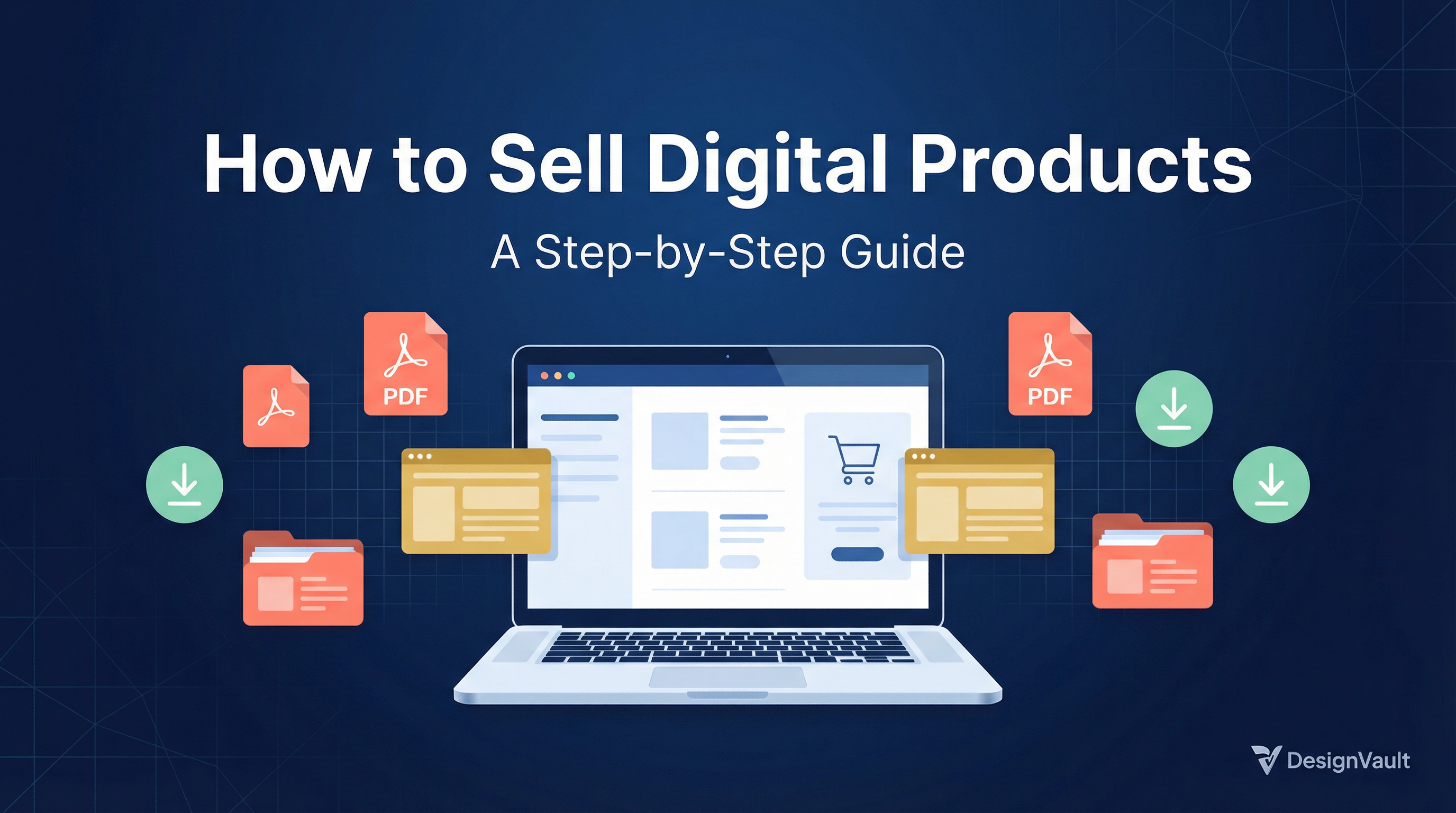
# How to Sell Digital Products: A Step-by-Step Guide
Selling digital products is one of the most powerful ways to build a sustainable online income. Whether you're a designer, coach, educator, or creative entrepreneur, learning **how to sell digital products** can transform your business — giving you the freedom to earn while you sleep. In this step-by-step tutorial, we'll walk you through everything you need to know to launch and grow your digital product business.
---
Step 1: Choose the Right Digital Product to Sell
Before you can sell anything, you need to decide *what* to sell. The best digital products solve a specific problem for a specific audience. Popular options include:
If you're a designer or coach, **Canva templates** are an especially lucrative starting point. They're quick to create, easy to deliver, and in high demand from small business owners and entrepreneurs.
> **Pro Tip:** Browse [DesignVault's product catalog](https://designvault.abacusai.app/products) to see what's trending and get inspiration for your own digital product lineup.
---
Step 2: Validate Your Product Idea
Don't spend weeks creating a product nobody wants. Validate first:
1. **Search for demand** — Use Google Trends, Pinterest, and Etsy search to see if people are actively looking for your product idea.
2. **Check the competition** — If others are selling similar products successfully, that's a green light, not a red flag.
3. **Ask your audience** — Post a poll on Instagram Stories or send a quick email survey to your list.
4. **Pre-sell it** — Offer a discounted "founding member" price before the product is finished. If people buy, you've validated the idea.
---
Step 3: Create Your Digital Product
Once you've validated your idea, it's time to build it. Here's a streamlined creation process:
1. **Outline your product** — Map out all the components, pages, or modules before you start designing or writing.
2. **Use the right tools** — Canva Pro is ideal for templates and visual products. Google Docs or Notion work well for guides and planners. Teachable or Kajabi are great for courses.
3. **Design for your customer** — Keep the end user in mind. Is it easy to use? Does it deliver on its promise?
4. **Package it professionally** — A polished cover image, clear file naming, and a simple instruction guide go a long way toward building trust.
5. **Export in the right format** — PDFs for documents, PNG/JPG for graphics, MP4 for video, and shareable Canva links for editable templates.
---
Step 4: Pick the Best Platform to Sell Digital Products
Choosing where to sell is one of the most important decisions you'll make. Here are the top platforms:
| Platform | Best For | Fee Structure |
|---|---|---|
| **Gumroad** | Beginners, simple setup | Free + transaction fees |
| **Etsy** | Printables, templates, design assets | Listing + transaction fees |
| **Shopify** | Scaling a full digital store | Monthly subscription |
| **Payhip** | Coaches and course creators | Free plan available |
| **Your own website** | Full control, no platform fees | Hosting costs only |
For most creators just starting out, **Gumroad** or **Etsy** offer the lowest barrier to entry. As you scale, migrating to your own storefront gives you more control over branding and customer relationships.
---
Step 5: Price Your Digital Products Strategically
Pricing is where many creators undervalue themselves. Here's a simple framework:
Don't be afraid to charge what your product is worth. A well-designed Canva template pack that saves a business owner 10 hours of work is easily worth $47 or more.
---
Step 6: Market Your Digital Products
Creating the product is only half the battle — you need to get it in front of the right people. Here's how to sell digital products effectively through marketing:
Content Marketing
Write blog posts, create YouTube tutorials, or publish Pinterest pins that naturally lead readers to your product. SEO-optimized content drives free, long-term traffic.
Social Media
Share behind-the-scenes content, customer testimonials, and product demos on Instagram, TikTok, or LinkedIn. Short-form video is especially powerful for showcasing digital products in action.
Email Marketing
Build an email list from day one. Offer a free lead magnet (a mini template, checklist, or guide) in exchange for email addresses. Then nurture your list with value-packed emails and occasional product promotions.
Collaborations and Affiliates
Partner with other creators in complementary niches. Offer an affiliate commission (20–40% is standard for digital products) to incentivize others to promote your work.
---
Step 7: Automate and Scale
Once you've made your first sales, it's time to systematize. Set up:
The beauty of knowing **how to sell digital products** is that once the system is in place, it runs largely on autopilot — freeing you to focus on creating more value.
---
Final Thoughts
Learning how to sell digital products is a skill that pays dividends for years. Start with one product, validate it, market it consistently, and then expand your catalog. Whether you're selling Canva templates, eBooks, or full online courses, the fundamentals remain the same: solve a real problem, deliver genuine value, and show up consistently for your audience.
Ready to explore what's possible? Check out [DesignVault's growing library of digital products](https://designvault.abacusai.app/products) for inspiration and ready-to-use templates that can jumpstart your own digital product journey.
Tools to Put This Into Practice
Skip the DIY — these templates are built for exactly what you just read about.