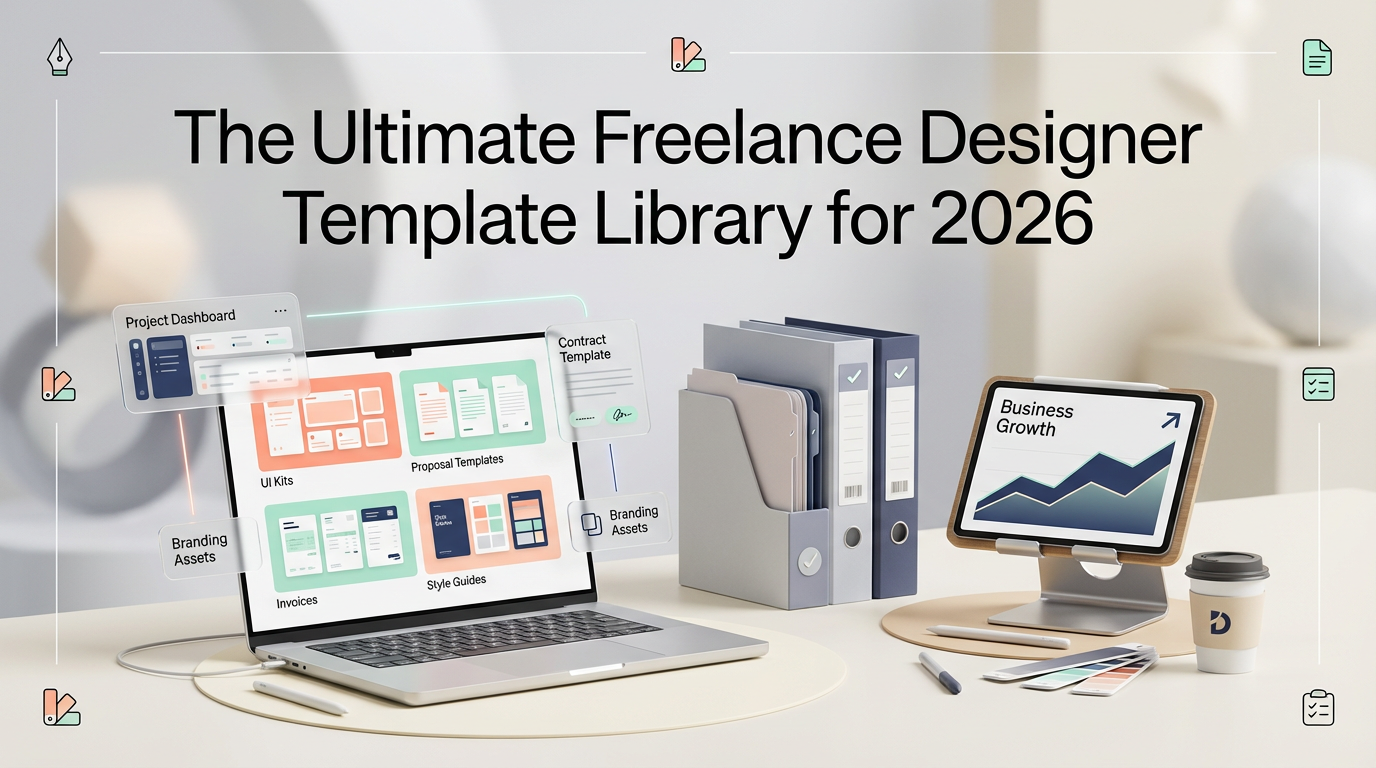
The Ultimate Freelance Designer Template Library for 2026
A comprehensive guide to the essential templates every freelance designer needs to streamline operations, impress clients, and scale to $15K+ months.
<h1>The Ultimate Freelance Designer Template Library for 2026</h1>
<p>Here's a hard truth: <strong>The most successful freelance designers aren't necessarily the most talented—they're the most organized.</strong></p>
<p>After interviewing 50+ six-figure freelance designers, I discovered they all share one thing in common: a robust library of templates that handle the business side of design, freeing them to focus on what they do best—creating stunning work.</p>
<p>In this comprehensive guide, I'll break down the exact template library you need to build a thriving freelance design business in 2026, complete with what to include in each template and how to use them effectively.</p>
<h2>Why Templates Are Your Secret Weapon</h2>
<p>Before we dive into specific templates, let's address why they're non-negotiable for serious freelancers:</p>
<ul>
<li><strong>Save 10-15 hours per week</strong> on administrative tasks</li>
<li><strong>Project a professional image</strong> from the first client interaction</li>
<li><strong>Reduce errors and miscommunication</strong> with standardized processes</li>
<li><strong>Scale your business</strong> without proportionally increasing your workload</li>
<li><strong>Command higher rates</strong> by demonstrating systems and professionalism</li>
</ul>
<p>The ROI is undeniable: invest a few hours building your template library once, and reap the benefits for years.</p>
<h2>The 7 Essential Template Categories</h2>
<h3>1. Client Onboarding Templates</h3>
<p>First impressions matter. Your onboarding templates set the tone for the entire client relationship.</p>
<p><strong>Must-have onboarding templates:</strong></p>
<ul>
<li>Welcome email sequence (3-5 emails)</li>
<li>Client questionnaire/intake form</li>
<li>Project kickoff agenda</li>
<li>Brand guidelines request template</li>
<li>Access & credentials checklist</li>
</ul>
<p>The <a href="https://designvault.abacusai.app/products/client-onboarding-system">Client Onboarding System for Designers</a> includes all of these pre-built and ready to customize with your branding.</p>
<h3>2. Proposal & Contract Templates</h3>
<p>This is where you win (or lose) projects. Your proposals need to be compelling, clear, and professional.</p>
<p><strong>Essential proposal elements:</strong></p>
<ul>
<li>Project scope & deliverables breakdown</li>
<li>Timeline with milestones</li>
<li>Investment/pricing structure</li>
<li>Terms & conditions</li>
<li>Case studies or relevant work samples</li>
<li>Next steps & call-to-action</li>
</ul>
<p><strong>Pro tip:</strong> Create 3-4 proposal templates for your most common project types (branding, web design, social media, etc.) rather than starting from scratch each time.</p>
<h3>3. Invoice & Payment Templates</h3>
<p>Getting paid shouldn't be complicated. Professional invoice templates ensure you get paid on time, every time.</p>
<p><strong>Your invoice template should include:</strong></p>
<ul>
<li>Clear payment terms (Net 15, Net 30, etc.)</li>
<li>Multiple payment methods</li>
<li>Late payment policy</li>
<li>Itemized services breakdown</li>
<li>Tax information (if applicable)</li>
</ul>
<p>The <a href="https://designvault.abacusai.app/products/invoice-proposal-templates">Professional Invoice & Proposal Templates</a> pack includes 12+ invoice variations for different project types and payment structures.</p>
<h3>4. Project Management Templates</h3>
<p>Keeping projects on track is crucial for profitability. These templates ensure nothing falls through the cracks.</p>
<p><strong>Key project management templates:</strong></p>
<ul>
<li>Project timeline/Gantt chart template</li>
<li>Revision request form</li>
<li>Feedback collection template</li>
<li>Project status update email</li>
<li>Milestone completion checklist</li>
<li>Project handoff/delivery template</li>
</ul>
<blockquote>
<p>"Since implementing project management templates, I've reduced project overruns by 80% and increased my effective hourly rate by $45. The templates keep both me and my clients accountable." — Marcus T., Brand Designer</p>
</blockquote>
<h3>5. Communication Templates</h3>
<p>Consistent, professional communication builds trust and reduces back-and-forth.</p>
<p><strong>Communication templates you need:</strong></p>
<ul>
<li>Initial inquiry response</li>
<li>Discovery call follow-up</li>
<li>Project update emails</li>
<li>Revision request acknowledgment</li>
<li>Project completion/testimonial request</li>
<li>Referral request email</li>
<li>Polite "no" to projects that aren't a fit</li>
</ul>
<h3>6. Marketing & Portfolio Templates</h3>
<p>Your portfolio and marketing materials are your 24/7 sales team.</p>
<p><strong>Marketing templates to create:</strong></p>
<ul>
<li>Case study template (problem → solution → results)</li>
<li>Portfolio project page structure</li>
<li>Social media post templates for showcasing work</li>
<li>Email newsletter template</li>
<li>LinkedIn/Instagram bio template</li>
<li>Cold outreach email template</li>
</ul>
<h3>7. Business Operations Templates</h3>
<p>The behind-the-scenes templates that keep your business running smoothly.</p>
<p><strong>Operations templates:</strong></p>
<ul>
<li>Monthly financial tracking spreadsheet</li>
<li>Time tracking template</li>
<li>Expense categorization system</li>
<li>Annual tax preparation checklist</li>
<li>Quarterly business review template</li>
<li>Goal setting & planning worksheet</li>
</ul>
<h2>How to Build Your Template Library (Step-by-Step)</h2>
<p>Don't try to create everything at once. Here's a strategic approach:</p>
<p><strong>Week 1: Client-Facing Templates</strong><br>
Start with proposals, contracts, and invoices—these directly impact revenue.</p>
<p><strong>Week 2: Communication Templates</strong><br>
Build your email templates for common scenarios. Track which emails you send repeatedly and templatize them.</p>
<p><strong>Week 3: Project Management Templates</strong><br>
Create your project tracking and delivery systems.</p>
<p><strong>Week 4: Marketing & Operations</strong><br>
Finish with portfolio templates and business operations tools.</p>
<h2>Template Customization Best Practices</h2>
<p>Templates should be starting points, not rigid scripts. Here's how to use them effectively:</p>
<ol>
<li><strong>Personalize every template:</strong> Add the client's name, reference their specific project, and customize tone</li>
<li><strong>Update regularly:</strong> Review templates quarterly and refine based on what's working</li>
<li><strong>Brand consistently:</strong> Ensure all templates reflect your visual identity and voice</li>
<li><strong>Test before sending:</strong> Always review customized templates before sending to clients</li>
<li><strong>Collect feedback:</strong> Ask clients what's clear and what's confusing, then iterate</li>
</ol>
<h2>The All-in-One Solution</h2>
<p>Building a comprehensive template library from scratch can take 40+ hours. If you want to skip the setup and start using professional templates today, the <a href="https://designvault.abacusai.app/products/complete-freelance-designer-business-kit">Complete Freelance Designer Business Kit</a> includes 75+ templates across all categories mentioned above.</p>
<p>Every template is fully customizable in Notion, Google Docs, and Canva—use what works for your workflow.</p>
<h2>Common Template Mistakes to Avoid</h2>
<p>As you build your library, watch out for these pitfalls:</p>
<ul>
<li><strong>Too generic:</strong> Templates should be customizable, not one-size-fits-all</li>
<li><strong>Overly complex:</strong> If a template takes 30 minutes to fill out, it's too complicated</li>
<li><strong>Outdated information:</strong> Review templates quarterly to ensure pricing, services, and policies are current</li>
<li><strong>Inconsistent branding:</strong> All templates should feel like they come from the same business</li>
<li><strong>No version control:</strong> Keep a master copy and dated versions to track changes</li>
</ul>
<h2>Measuring Template ROI</h2>
<p>How do you know if your templates are working? Track these metrics:</p>
<ul>
<li><strong>Time saved per week:</strong> Log hours before and after implementing templates</li>
<li><strong>Proposal win rate:</strong> Are more proposals converting to projects?</li>
<li><strong>Payment speed:</strong> Are invoices being paid faster?</li>
<li><strong>Client satisfaction:</strong> Do clients comment on your professionalism?</li>
<li><strong>Referral rate:</strong> Are happy clients referring more business?</li>
</ul>
<h2>Templates for Different Design Niches</h2>
<p>While the core templates apply to all designers, certain niches benefit from specialized templates:</p>
<p><strong>Brand Designers:</strong> Brand strategy questionnaire, logo presentation template, brand guidelines template</p>
<p><strong>Web Designers:</strong> Website content checklist, hosting setup guide, website maintenance proposal</p>
<p><strong>Social Media Designers:</strong> Content calendar template, platform specs guide, engagement report template</p>
<p><strong>Print Designers:</strong> Print specifications checklist, vendor coordination template, file delivery guide</p>
<h2>Your Action Plan</h2>
<p>Ready to build your template library? Here's your action plan for this week:</p>
<ol>
<li><strong>Audit your current process:</strong> What tasks do you repeat weekly?</li>
<li><strong>Prioritize by impact:</strong> Which templates would save the most time or improve client experience?</li>
<li><strong>Create or acquire 3 templates:</strong> Start with proposal, invoice, and onboarding</li>
<li><strong>Use them on your next project:</strong> Test and refine based on real-world use</li>
<li><strong>Expand weekly:</strong> Add 2-3 new templates each week until your library is complete</li>
</ol>
<p>The difference between a $3K/month freelancer and a $15K/month freelancer often comes down to systems and templates. The talent is there—it's the business infrastructure that separates the struggling from the thriving.</p>
<p><strong>Ready to level up your freelance business?</strong> Use code <strong>WELCOME10</strong> for 10% off all designer template kits and business systems. Build your template library today and reclaim your time tomorrow.</p>
Tools to Put This Into Practice
Skip the DIY — these templates are built for exactly what you just read about.