Online Course Creation Templates and Planners: The 2026 Step-by-Step System to Launch Your Course in 60 Days
Stop staring at a blank screen and start building your course with proven templates and planners that guide you from idea to launch in just 60 days.
<h1>Online Course Creation Templates and Planners: The 2026 Step-by-Step System to Launch Your Course in 60 Days</h1>
<p>You have the expertise. You have the audience asking for it. You even have a rough idea of what your course should cover. But every time you sit down to actually <em>build</em> it, you end up staring at a blank document, overwhelmed by the sheer scope of what needs to happen before you can hit publish.</p>
<p>Sound familiar? You're not alone. The number one reason coaches, consultants, and creators never launch their course isn't lack of knowledge — it's lack of <strong>structure</strong>. Without a clear system, course creation becomes an endless project that lives permanently on your to-do list.</p>
<p>In this guide, we're going to fix that. You'll get a complete 60-day framework, the exact templates you need at each stage, and the planning tools that turn your expertise into a polished, profitable course — without the overwhelm.</p>
<h2>Why Most Courses Never Get Launched</h2>
<p>Before we dive into the system, let's talk about what actually kills course launches. After working with hundreds of coaches and creators, the patterns are clear:</p>
<ul>
<li><strong>Perfectionism paralysis:</strong> Waiting until every module is perfect before recording anything</li>
<li><strong>Scope creep:</strong> Trying to teach everything you know instead of solving one specific problem</li>
<li><strong>No launch plan:</strong> Building the course without thinking about how you'll sell it</li>
<li><strong>Missing templates:</strong> Recreating every worksheet, slide deck, and email from scratch</li>
<li><strong>No accountability system:</strong> Working in isolation without milestones or deadlines</li>
</ul>
<p>The solution to all five problems is the same: a proven system with ready-to-use templates that remove decision fatigue and keep you moving forward.</p>
<h2>The 60-Day Course Creation Framework</h2>
<p>Here's the high-level breakdown of how to go from idea to launched course in 60 days:</p>
<h3>Days 1–10: Validate and Plan</h3>
<p>The biggest mistake course creators make is building first and validating second. Before you record a single video, you need to confirm that people will actually pay for what you're creating.</p>
<p>During this phase, you'll:</p>
<ul>
<li>Define your ideal student and their #1 transformation goal</li>
<li>Map out the core problem your course solves (not just what it teaches)</li>
<li>Validate demand through surveys, social posts, or pre-sales</li>
<li>Create your course outline using a structured curriculum planner</li>
<li>Set your pricing and launch date</li>
</ul>
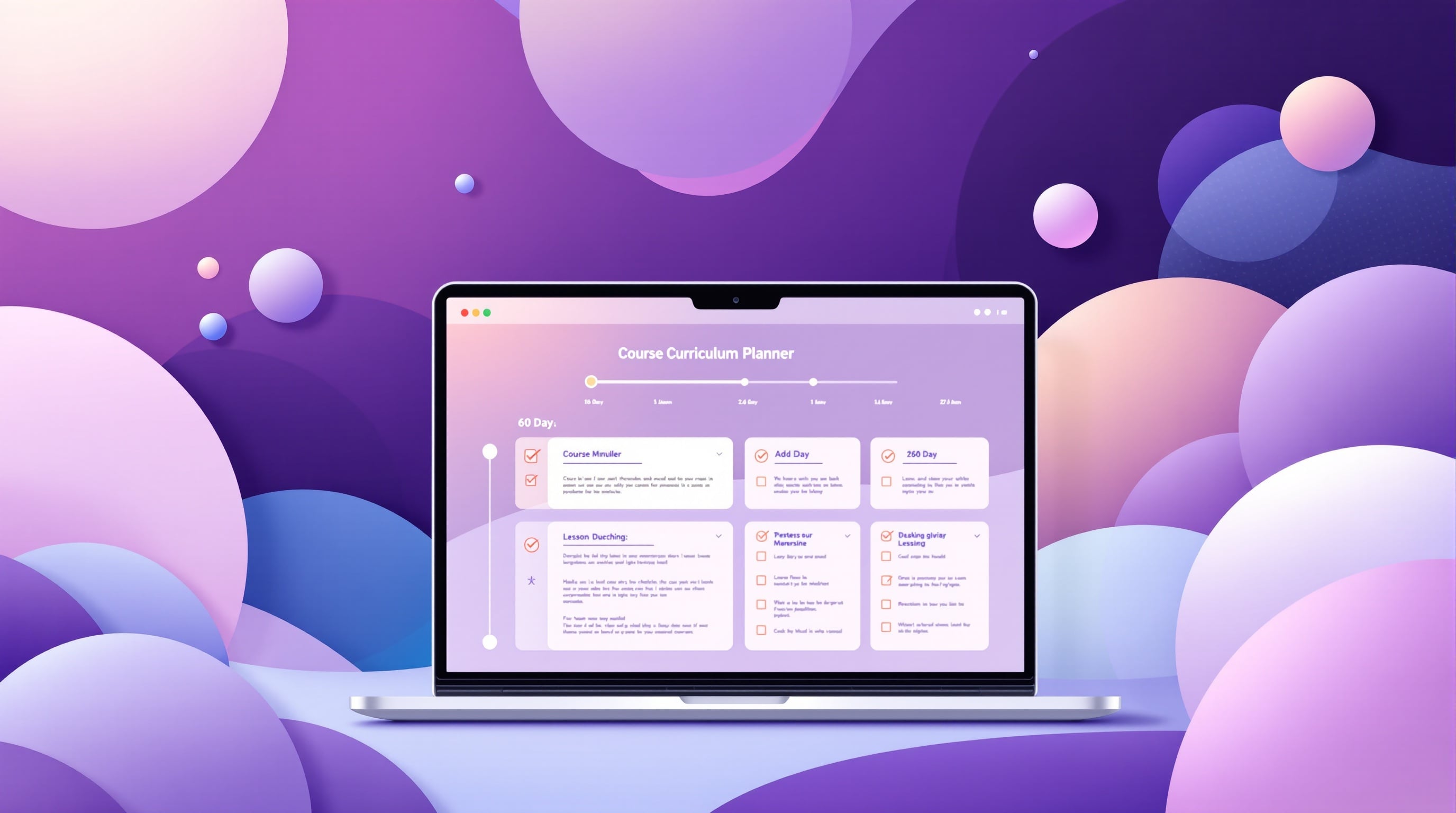
<p>A good curriculum planner template will walk you through the exact questions to answer: What does your student know before taking the course? What will they be able to do after? What are the 5–7 key milestones between those two points? Answer those questions and your course outline practically writes itself.</p>
<blockquote>
<p><strong>Pro tip:</strong> Aim for 5–8 modules with 3–5 lessons each. Anything more and you risk overwhelming students; anything less and you may not deliver enough value to justify your price point.</p>
</blockquote>
<h3>Days 11–25: Build Your Content</h3>
<p>With your outline locked in, it's time to create the actual course content. This is where most people slow down — but it doesn't have to be painful.</p>
<p>The key is using <strong>lesson templates</strong> that give every video a consistent structure:</p>
<ol>
<li><strong>Hook (30 seconds):</strong> What will students learn and why does it matter?</li>
<li><strong>Teach (5–8 minutes):</strong> The core concept, framework, or skill</li>
<li><strong>Demonstrate (2–3 minutes):</strong> Show it in action with a real example</li>
<li><strong>Apply (1–2 minutes):</strong> Give students a specific action to take</li>
<li><strong>Bridge (30 seconds):</strong> Preview what's coming in the next lesson</li>
</ol>
<p>When every lesson follows this structure, recording becomes faster, students stay engaged, and your course feels professional — even if you're recording on a laptop webcam.</p>
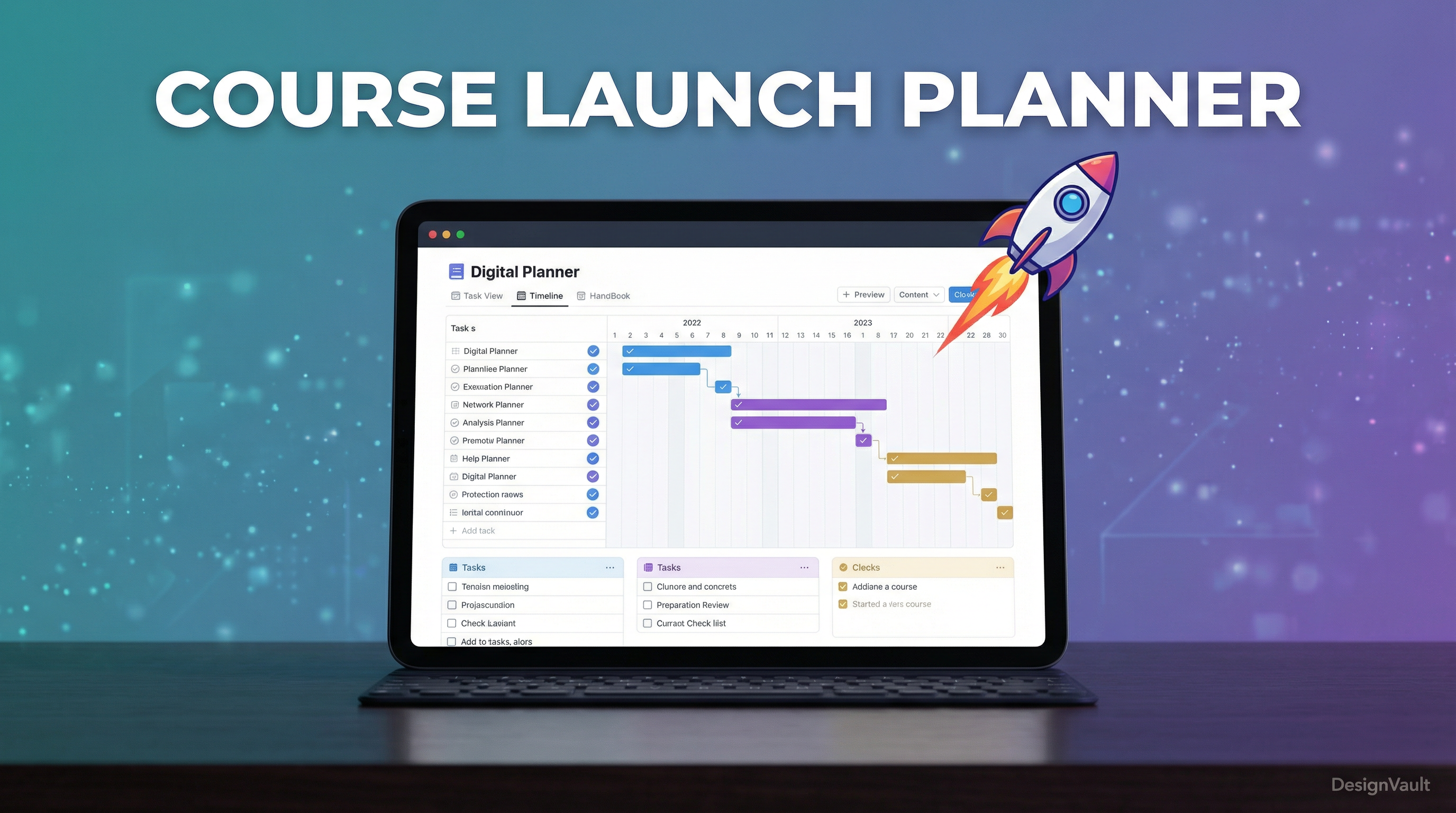
<p>Alongside your video content, you'll want to create supporting materials: workbooks, checklists, swipe files, and resource guides. These are the assets that transform a good course into a great one. The <a href="https://designvault.abacusai.app/products/course-launch-planner">Course Launch Planner & Checklist System</a> includes done-for-you templates for all of these, so you're not starting from a blank page.</p>
<h3>Days 26–40: Build Your Sales System</h3>
<p>Here's the truth most course creation guides skip: your course is only as successful as your ability to sell it. Building a great course and then hoping people find it is not a strategy.</p>
<p>During this phase, you'll build:</p>
<ul>
<li><strong>A sales page</strong> that speaks directly to your ideal student's pain points and desired outcomes</li>
<li><strong>An email launch sequence</strong> that warms up your audience and drives enrollment</li>
<li><strong>A lead magnet</strong> to grow your list before launch day</li>
<li><strong>Social proof assets</strong> — testimonials, case studies, or beta student results</li>
</ul>
<p>If you're a coach who already has clients, this is the perfect time to offer a beta round at a discounted price in exchange for testimonials and feedback. It's a win-win: you get social proof and real-world validation, they get your course at a fraction of the full price.</p>
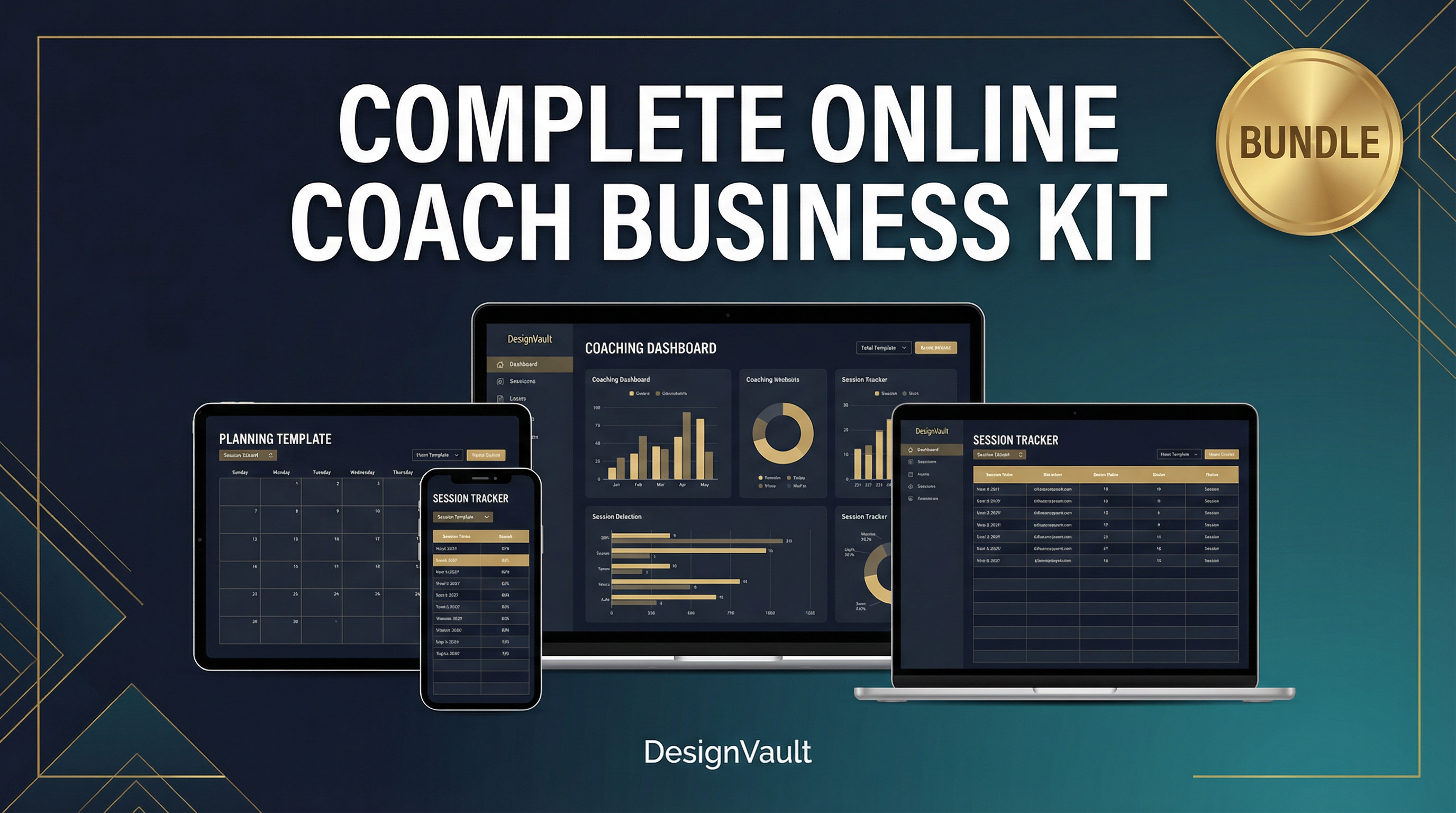
<p>For coaches building out their full business system, the <a href="https://designvault.abacusai.app/products/complete-online-coach-business-kit">Complete Online Coach Business Kit</a> includes sales page templates, email sequences, and client onboarding materials that work seamlessly together.</p>
<h3>Days 41–55: Pre-Launch and Audience Warm-Up</h3>
<p>The two weeks before your launch are arguably the most important. This is when you build anticipation, grow your waitlist, and prime your audience to buy.</p>
<p>Your pre-launch checklist should include:</p>
<ul>
<li>Announce your course is coming (without revealing the price yet)</li>
<li>Share behind-the-scenes content showing your creation process</li>
<li>Post value-packed content related to your course topic</li>
<li>Open a waitlist with an early-bird incentive</li>
<li>Send a 3-part email sequence to your list building anticipation</li>
<li>Collect and share beta student testimonials if you ran a beta round</li>
</ul>
<p>The goal of pre-launch isn't to sell — it's to make your audience feel like they've been waiting for this and can't afford to miss it.</p>
<h3>Days 56–60: Launch Week</h3>
<p>Launch week is a sprint. You'll be sending daily emails, posting consistently on social media, and potentially running live events like webinars or Q&A sessions.</p>
<p>A typical 5-day launch sequence looks like this:</p>
<ul>
<li><strong>Day 1:</strong> Cart open announcement — share the transformation and the offer</li>
<li><strong>Day 2:</strong> Address the #1 objection your audience has</li>
<li><strong>Day 3:</strong> Share a student success story or case study</li>
<li><strong>Day 4:</strong> Urgency email — remind them of the deadline or bonus expiry</li>
<li><strong>Day 5:</strong> Last chance — cart closes tonight</li>
</ul>
<h2>The Templates You Actually Need</h2>
<p>Let's get specific about the templates that make the biggest difference in your course creation process:</p>
<h3>1. Curriculum Mapping Template</h3>
<p>A visual tool that maps your course modules, lessons, and learning outcomes in one place. This becomes your north star throughout the entire creation process.</p>
<h3>2. Lesson Script Template</h3>
<p>A fill-in-the-blank structure for each video lesson that ensures consistency and keeps you on track while recording.</p>
<h3>3. Student Workbook Template</h3>
<p>A professionally designed workbook template that you can customize for each module, giving students a place to apply what they're learning.</p>
<h3>4. Launch Email Sequence Templates</h3>
<p>Pre-written email templates for every stage of your launch: pre-launch warm-up, cart open, objection handling, urgency, and cart close.</p>
<h3>5. Sales Page Template</h3>
<p>A conversion-optimized sales page structure with all the sections you need: headline, problem, solution, curriculum overview, instructor bio, testimonials, FAQ, and CTA.</p>
<p>The <a href="https://designvault.abacusai.app/products/course-launch-planner">Course Launch Planner & Checklist System</a> includes all of these templates in one cohesive system, designed specifically for coaches and course creators who want to launch faster without sacrificing quality.</p>
<h2>Common Mistakes to Avoid</h2>
<p>Even with the best templates and a solid plan, there are a few pitfalls that trip up first-time course creators:</p>
<ul>
<li><strong>Over-teaching:</strong> More content doesn't mean more value. Focus on the transformation, not the volume of information.</li>
<li><strong>Skipping the sales page:</strong> Your course won't sell itself. Invest time in writing compelling copy that speaks to your student's specific pain points.</li>
<li><strong>Launching to a cold audience:</strong> If you don't have an engaged email list or social following, build one before you launch — even if it takes an extra 30 days.</li>
<li><strong>Ignoring post-launch:</strong> Your first launch is just the beginning. Collect feedback, improve the course, and plan your next launch cycle.</li>
</ul>
<h2>Your Next Step</h2>
<p>The 60-day framework works. But only if you actually start. The biggest difference between coaches who launch successful courses and those who don't isn't talent, expertise, or audience size — it's having a system that removes the guesswork and keeps you moving forward.</p>
<p>If you're ready to stop planning and start building, the <a href="https://designvault.abacusai.app/products/course-launch-planner">Course Launch Planner & Checklist System</a> gives you every template, checklist, and planner you need to go from idea to launched course in 60 days or less.</p>
<p><strong>Use code COACH25 for 25% off your order today.</strong> Your future students are waiting — let's get your course built.</p>
Tools to Put This Into Practice
Skip the DIY — these templates are built for exactly what you just read about.