n8n Automation Workflows for Beginners: 8 No-Code Templates to Start Automating Your Business Today
New to n8n? Discover 8 beginner-friendly automation workflows that require zero coding experience and can save you 10+ hours per week.
<h1>n8n Automation Workflows for Beginners: 8 No-Code Templates to Start Automating Your Business Today</h1>
<p>If you're drowning in repetitive tasks—manually sending follow-up emails, copying data between apps, or posting the same content across multiple platforms—you're not alone. The average solopreneur spends <strong>15-20 hours per week</strong> on tasks that could be automated.</p>
<p>Enter n8n: a powerful, visual automation platform that lets you connect your favorite apps and automate workflows without writing a single line of code. But here's the problem: most beginners look at n8n and feel overwhelmed by the possibilities.</p>
<p>That's why I've put together this guide featuring <strong>8 beginner-friendly n8n automation workflows</strong> that you can set up in under 30 minutes each. These aren't complex integrations—they're practical, proven automations that will immediately free up your time.</p>
<h2>Why n8n Is Perfect for Automation Beginners</h2>
<p>Unlike other automation tools that charge per workflow or limit your integrations, n8n offers:</p>
<ul>
<li><strong>Visual workflow builder</strong> – Drag-and-drop interface that makes sense even if you've never automated anything before</li>
<li><strong>400+ pre-built integrations</strong> – Connect Gmail, Slack, Notion, Airtable, Google Sheets, and virtually any app you use</li>
<li><strong>Self-hosted or cloud options</strong> – You control your data and never hit arbitrary usage limits</li>
<li><strong>Active community</strong> – Thousands of ready-made workflow templates you can copy and customize</li>
</ul>
<p>The best part? You don't need to be technical. If you can follow a recipe, you can build n8n workflows.</p>
<h2>8 Beginner-Friendly n8n Automation Workflows</h2>
<h3>1. Auto-Save Email Attachments to Cloud Storage</h3>
<p><strong>What it does:</strong> Automatically saves Gmail attachments to Google Drive or Dropbox, organized by sender or date.</p>
<p><strong>Why you need it:</strong> Stop manually downloading invoices, contracts, or client files. This workflow runs 24/7 and keeps everything organized.</p>
<p><strong>Setup time:</strong> 15 minutes</p>
<h3>2. Slack Notifications for New Form Submissions</h3>
<p><strong>What it does:</strong> Sends instant Slack messages when someone fills out your contact form, survey, or lead magnet signup.</p>
<p><strong>Why you need it:</strong> Respond to leads within minutes instead of hours. Fast response times can increase conversion rates by up to 400%.</p>
<p><strong>Setup time:</strong> 10 minutes</p>
<h3>3. Social Media Cross-Posting Automation</h3>
<p><strong>What it does:</strong> Post once to your primary platform (like LinkedIn), and automatically share to Twitter, Facebook, and Instagram.</p>
<p><strong>Why you need it:</strong> Maintain consistent presence across platforms without the copy-paste grind. Our <a href="https://designvault.abacusai.app/products/n8n-social-media-autoposter">Social Media Auto-Poster</a> template makes this even easier with pre-built workflows for all major platforms.</p>
<p><strong>Setup time:</strong> 20 minutes</p>
<h3>4. Automated Client Onboarding Sequence</h3>
<p><strong>What it does:</strong> When a new client signs up, automatically send welcome emails, create project folders, add them to your CRM, and schedule a kickoff call.</p>
<p><strong>Why you need it:</strong> First impressions matter. This workflow ensures every client gets a professional, consistent onboarding experience.</p>
<p><strong>Setup time:</strong> 25 minutes</p>
<h3>5. Daily Task Digest from Multiple Sources</h3>
<p><strong>What it does:</strong> Pulls tasks from Asana, Trello, Notion, and your calendar, then sends you one consolidated morning digest.</p>
<p><strong>Why you need it:</strong> Stop checking five different apps to see what's on your plate. Start each day with clarity.</p>
<p><strong>Setup time:</strong> 20 minutes</p>
<h3>6. Abandoned Cart Recovery for Digital Products</h3>
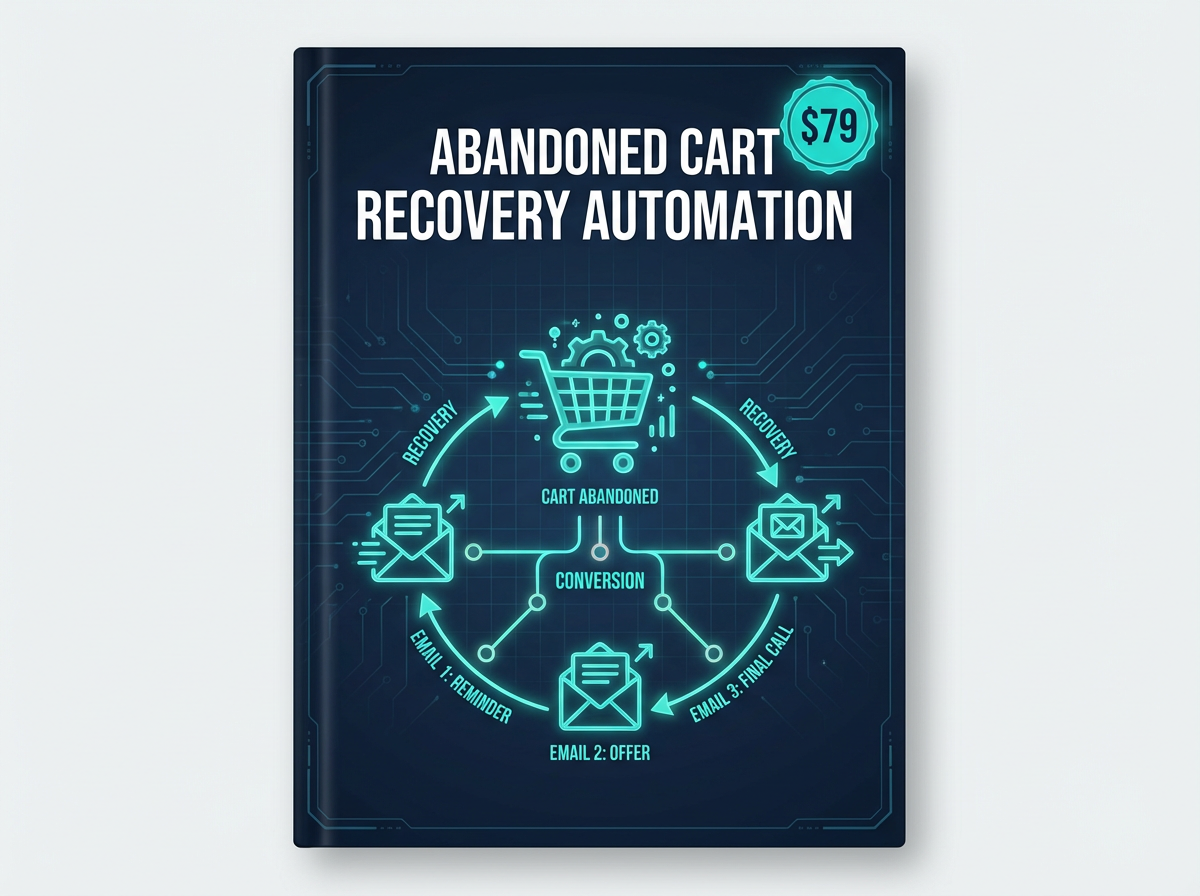
<p><strong>What it does:</strong> Detects when someone adds a product to their cart but doesn't complete checkout, then sends a personalized follow-up email with a discount code.</p>
<p><strong>Why you need it:</strong> Recover 15-30% of abandoned carts automatically. If you sell digital products, check out our <a href="https://designvault.abacusai.app/products/n8n-abandoned-cart-recovery">Abandoned Cart Recovery Automation</a> template that's ready to deploy.</p>
<p><strong>Setup time:</strong> 30 minutes</p>
<h3>7. Lead Enrichment and Scoring</h3>
<p><strong>What it does:</strong> When a new lead enters your system, automatically looks up their company info, social profiles, and assigns a lead score based on criteria you define.</p>
<p><strong>Why you need it:</strong> Focus your energy on high-quality leads. This workflow helps you prioritize who to reach out to first.</p>
<p><strong>Setup time:</strong> 25 minutes</p>
<h3>8. Weekly Performance Report Generator</h3>
<p><strong>What it does:</strong> Pulls data from Google Analytics, your email platform, and social media, then generates a formatted report sent to your inbox every Monday.</p>
<p><strong>Why you need it:</strong> Make data-driven decisions without spending hours in analytics dashboards.</p>
<p><strong>Setup time:</strong> 30 minutes</p>
<h2>Getting Started: Your First n8n Workflow in 3 Steps</h2>
<p>Ready to build your first automation? Here's the simplest path forward:</p>
<p><strong>Step 1: Choose Your Trigger</strong><br>
What event should start your automation? Common triggers include: new email received, form submitted, specific time/date, new row in spreadsheet, webhook received.</p>
<p><strong>Step 2: Define Your Actions</strong><br>
What should happen when the trigger fires? Examples: send an email, create a task, post to social media, update a database, send a Slack message.</p>
<p><strong>Step 3: Test and Activate</strong><br>
n8n lets you test each step before going live. Run a test, check the output, make adjustments, then activate your workflow.</p>
<h2>Common Beginner Mistakes (and How to Avoid Them)</h2>
<p><strong>Mistake #1: Building overly complex workflows</strong><br>
Start simple. A workflow that saves you 30 minutes per week is better than a complex one you never finish.</p>
<p><strong>Mistake #2: Not testing with real data</strong><br>
Always run test executions with actual data from your apps. This catches formatting issues and edge cases.</p>
<p><strong>Mistake #3: Forgetting error handling</strong><br>
Add error notifications so you know when something breaks. A simple Slack or email alert can save hours of troubleshooting.</p>
<p><strong>Mistake #4: Trying to build everything from scratch</strong><br>
Why reinvent the wheel? Our <a href="https://designvault.abacusai.app/products/n8n-complete-business-automation-kit">Complete n8n Business Automation Kit</a> includes 50+ pre-built workflows you can customize in minutes, not hours.</p>
<h2>Real Results: What Beginners Achieve with n8n</h2>
<blockquote>
<p>"I went from spending 2 hours a day on admin tasks to less than 20 minutes. The social media cross-posting workflow alone saves me 45 minutes daily." – Sarah K., Freelance Designer</p>
</blockquote>
<blockquote>
<p>"As someone with zero coding experience, I was nervous about automation. But n8n's visual builder made it click. I now have 12 workflows running that save me about 15 hours per week." – Marcus T., Online Coach</p>
</blockquote>
<h2>Your Next Steps: Start Automating Today</h2>
<p>The workflows in this guide represent just the beginning of what's possible with n8n. The key is to start small, get one workflow running successfully, then build from there.</p>
<p>Here's my recommendation: Pick the workflow that would save you the most time <em>this week</em>. Set aside 30 minutes to build it. Test it thoroughly. Then activate it and move on to the next one.</p>
<p>Within a month, you could have 5-8 automations running that collectively save you 10-20 hours per week. That's time you can reinvest in revenue-generating activities, strategic planning, or simply taking a break.</p>
<p><strong>Want to fast-track your automation journey?</strong> Check out our collection of ready-to-deploy n8n workflow templates at DesignVault. Each template includes step-by-step setup instructions, video walkthroughs, and ongoing support.</p>
<p><strong>Use code AUTOMATE20 at checkout for 20% off all automation templates.</strong> Your future self will thank you for the time you're about to reclaim.</p>
<p>Ready to stop doing repetitive tasks manually? Your first automation is just 30 minutes away.</p>
Tools to Put This Into Practice
Skip the DIY — these templates are built for exactly what you just read about.