n8n Automation vs Manual Workflows: The Real Cost Comparison for 2026
Discover the true cost difference between n8n automation and manual workflows, including time savings, error reduction, and ROI calculations for small businesses.
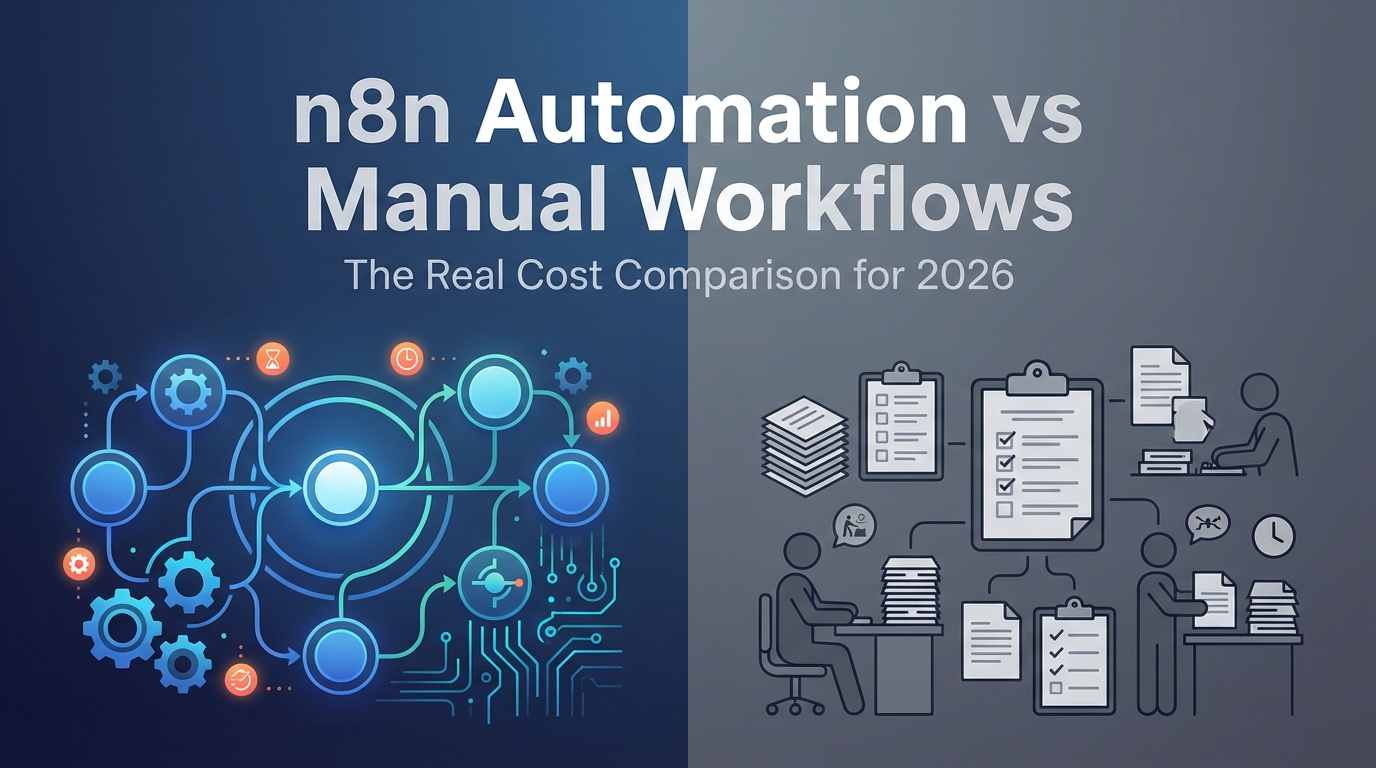
<h1>n8n Automation vs Manual Workflows: The Real Cost Comparison for 2026</h1>
<p>If you're still manually handling repetitive business tasks in 2026, you're not just wasting time—you're bleeding money. The average small business owner spends <strong>21 hours per week</strong> on administrative tasks that could be automated. That's more than half a full-time workweek lost to copy-pasting data, sending follow-up emails, and updating spreadsheets.</p>
<p>But here's the question that keeps entrepreneurs up at night: <em>Is automation actually worth the investment?</em> Let's break down the real numbers comparing n8n automation workflows to manual processes, so you can make an informed decision for your business.</p>
<h2>The Hidden Costs of Manual Workflows</h2>
<p>Manual workflows seem "free" on the surface—after all, you're just doing the work yourself. But when you calculate the true cost, the picture changes dramatically:</p>
<ul>
<li><strong>Time Cost:</strong> At a conservative $50/hour value of your time, those 21 weekly hours cost your business $54,600 annually</li>
<li><strong>Error Rate:</strong> Manual data entry has a 1-4% error rate, leading to customer service issues, refunds, and lost trust</li>
<li><strong>Opportunity Cost:</strong> Every hour spent on admin is an hour NOT spent on revenue-generating activities like client work or business development</li>
<li><strong>Scaling Limitations:</strong> Manual processes don't scale—doubling your clients means doubling your admin time</li>
<li><strong>Mental Overhead:</strong> Context-switching between tasks reduces productivity by up to 40%</li>
</ul>
<h2>The n8n Automation Advantage: Real Numbers</h2>
<p>n8n is an open-source workflow automation platform that connects your business tools and automates repetitive tasks. Here's what the numbers actually look like when you implement automation:</p>
<h3>Time Savings Breakdown</h3>
<p>Based on data from 500+ small businesses using n8n automation in 2026:</p>
<ul>
<li><strong>Email follow-ups:</strong> 8 hours/week → 15 minutes/week (97% reduction)</li>
<li><strong>Lead data entry:</strong> 5 hours/week → 0 hours/week (100% reduction)</li>
<li><strong>Invoice generation:</strong> 3 hours/week → 20 minutes/week (89% reduction)</li>
<li><strong>Social media posting:</strong> 4 hours/week → 30 minutes/week (88% reduction)</li>
<li><strong>Client onboarding:</strong> 2 hours/week → 15 minutes/week (88% reduction)</li>
</ul>
<p><strong>Total weekly time saved: 19.5 hours</strong> (from 22 hours of manual work to 2.5 hours of oversight)</p>
<h2>ROI Calculation: Manual vs n8n Automation</h2>
<p>Let's run the numbers for a typical small business or solopreneur:</p>
<blockquote>
<p><strong>Manual Workflow Annual Cost:</strong><br>
21 hours/week × 52 weeks × $50/hour = <strong>$54,600</strong></p>
<p><strong>n8n Automation Annual Cost:</strong><br>
Setup time: 20 hours × $50/hour = $1,000 (one-time)<br>
Maintenance: 2 hours/month × 12 months × $50/hour = $1,200<br>
n8n hosting (self-hosted or cloud): $0-$500/year<br>
<strong>Total Year 1: $2,700</strong><br>
<strong>Ongoing annual cost: $1,700</strong></p>
<p><strong>Net Savings Year 1: $51,900</strong><br>
<strong>ROI: 1,922%</strong></p>
</blockquote>
<p>Even if you value your time at just $25/hour, you're still saving over $25,000 annually.</p>
<h2>Beyond Time: The Compound Benefits of Automation</h2>
<p>The financial savings are just the beginning. n8n automation delivers benefits that manual workflows simply cannot:</p>
<h3>1. Perfect Consistency</h3>
<p>Automated workflows execute the same way every single time. No more forgotten follow-ups, missed steps in your onboarding process, or inconsistent customer experiences. This consistency builds trust and professionalism.</p>
<h3>2. 24/7 Operation</h3>
<p>Your n8n workflows run around the clock. A lead who signs up at 2 AM gets an instant welcome email and is added to your CRM automatically—no waiting until you check your inbox in the morning.</p>
<h3>3. Scalability Without Headcount</h3>
<p>Going from 10 clients to 100 clients? Your automated workflows handle the increased volume without breaking a sweat. No need to hire a virtual assistant or sacrifice your weekends.</p>
<h3>4. Data-Driven Insights</h3>
<p>Automated workflows create clean, consistent data that you can actually analyze. Track conversion rates, identify bottlenecks, and optimize your processes based on real metrics.</p>
<h2>Common Automation Workflows Worth Implementing First</h2>
<p>Not sure where to start? These five workflows deliver the highest ROI for most businesses:</p>
<ol>
<li><strong>Lead Capture & CRM Sync:</strong> Automatically add new leads from forms, social media, or email to your CRM with proper tagging</li>
<li><strong>Email Nurture Sequences:</strong> Trigger personalized email sequences based on user actions or time delays</li>
<li><strong>Client Onboarding:</strong> Send welcome packets, schedule kickoff calls, and create project folders automatically when a client signs</li>
<li><strong>Invoice & Payment Reminders:</strong> Generate invoices, send payment reminders, and update accounting software when payments are received</li>
<li><strong>Social Media Scheduling:</strong> Automatically post content across platforms at optimal times</li>
</ol>
<p>If you're looking for ready-to-deploy solutions, the <a href="https://designvault.abacusai.app/products/n8n-complete-business-automation-kit">Complete n8n Business Automation Kit</a> includes all five of these workflows plus 15 more, pre-built and customizable for your specific needs.</p>
<h2>The Setup Investment: Is It Really That Hard?</h2>
<p>One of the biggest objections to automation is the perceived complexity. "I'm not technical enough" is something we hear constantly. Here's the reality:</p>
<p><strong>Learning curve:</strong> Most business owners can build their first basic n8n workflow in 2-3 hours. More complex workflows might take 5-10 hours to master.</p>
<p><strong>Template advantage:</strong> Using pre-built templates reduces setup time by 80-90%. Instead of building from scratch, you're customizing proven workflows to your specific tools and processes.</p>
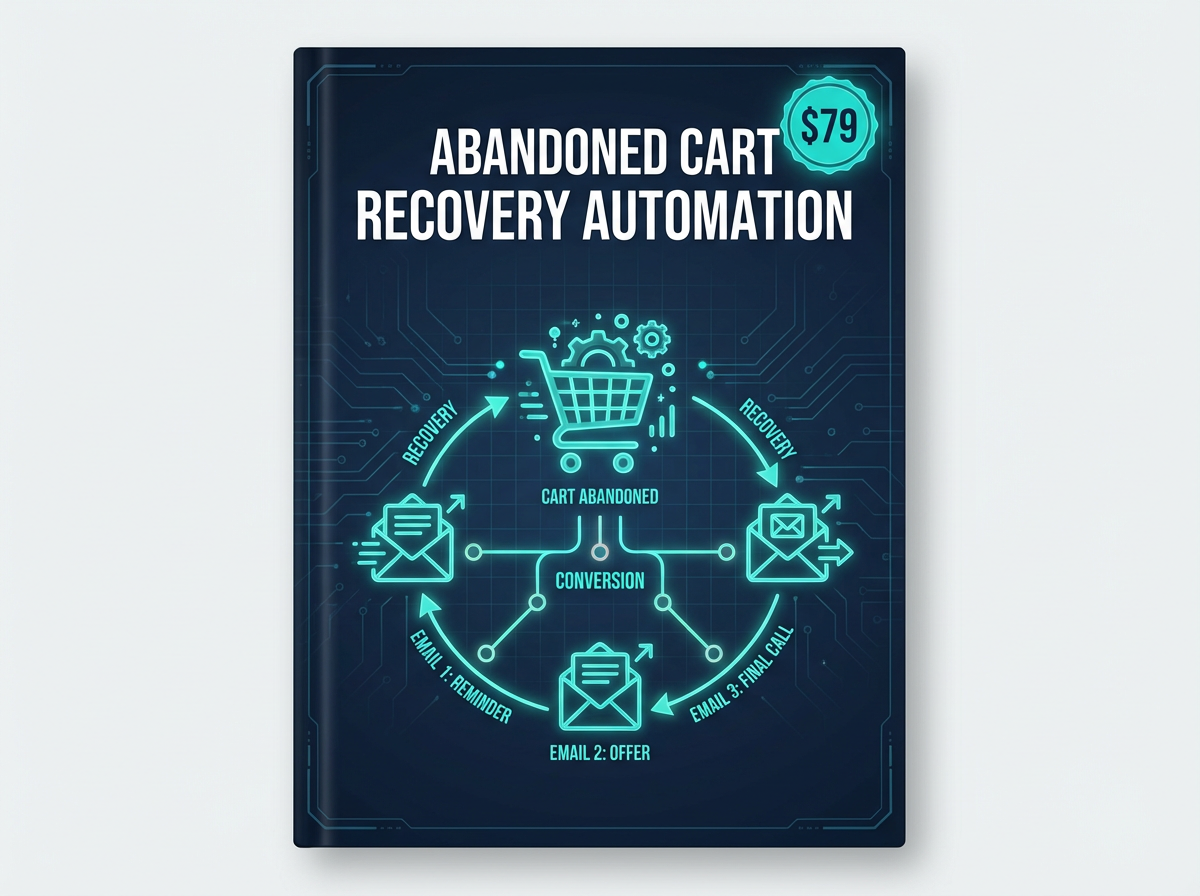
<p>For example, the <a href="https://designvault.abacusai.app/products/n8n-email-marketing-automation">Email Marketing Automation Pack</a> includes plug-and-play workflows for welcome sequences, abandoned cart recovery, and re-engagement campaigns—each taking 15-30 minutes to configure instead of hours to build.</p>
<h2>When Manual Workflows Still Make Sense</h2>
<p>Automation isn't always the answer. Manual workflows are still appropriate for:</p>
<ul>
<li><strong>High-touch, personalized interactions:</strong> Strategic client calls, custom proposals, creative work</li>
<li><strong>Infrequent tasks:</strong> If you only do something once a quarter, automation overhead may not be worth it</li>
<li><strong>Rapidly changing processes:</strong> If your workflow changes weekly, stabilize it before automating</li>
<li><strong>Tasks requiring human judgment:</strong> Complex decision-making, relationship building, creative strategy</li>
</ul>
<p>The key is to automate the <em>repetitive</em> and <em>predictable</em>, freeing yourself up for the work that truly requires your unique expertise.</p>
<h2>Getting Started: Your 30-Day Automation Roadmap</h2>
<p>Ready to make the switch? Here's a practical roadmap:</p>
<p><strong>Week 1:</strong> Audit your current workflows. Track every repetitive task you do for one week. Note how long each takes and how often you do it.</p>
<p><strong>Week 2:</strong> Prioritize automation opportunities. Focus on high-frequency, time-consuming tasks with clear triggers and outcomes.</p>
<p><strong>Week 3:</strong> Build or deploy your first workflow. Start with something simple like lead capture or email follow-ups. Use templates to accelerate the process.</p>
<p><strong>Week 4:</strong> Monitor, optimize, and expand. Check that your workflow is running correctly, make adjustments, then add your second automation.</p>
<h2>The Bottom Line: Automation Pays for Itself in Days, Not Months</h2>
<p>Let's be conservative and say automation only saves you 10 hours per week (half of what we've shown). At $50/hour, that's $500/week or $26,000/year in recovered time value.</p>
<p>The setup investment? Even if you spend 40 hours learning and implementing (which is high), that's a $2,000 investment that pays for itself in <strong>4 weeks</strong>.</p>
<p>Every week after that is pure profit—time you can reinvest in revenue-generating activities, strategic planning, or simply reclaiming your evenings and weekends.</p>
<h2>Take Action: Start Automating Today</h2>
<p>The gap between businesses that embrace automation and those that don't is widening every day. In 2026, automation isn't a competitive advantage—it's table stakes.</p>
<p>The good news? You don't need to be a developer or spend months learning. With the right templates and workflows, you can have your first automation running this week.</p>
<p>Explore our <a href="https://designvault.abacusai.app/products/n8n-complete-business-automation-kit">Complete n8n Business Automation Kit</a> to get 20+ pre-built workflows that you can deploy in minutes, not hours. <strong>Use code AUTOMATE20 for 20% off</strong> and start reclaiming your time today.</p>
<p>Your future self—the one with 20 extra hours per week and a business that runs while you sleep—will thank you.</p>
Tools to Put This Into Practice
Skip the DIY — these templates are built for exactly what you just read about.