Freelancer Productivity Systems 2026: The Ultimate Guide to Reclaiming Your Time and Doubling Your Output
Discover the proven productivity systems and workflows that top freelancers use in 2026 to work fewer hours, earn more, and eliminate the chaos of client work.
<h1>Freelancer Productivity Systems 2026: The Ultimate Guide to Reclaiming Your Time and Doubling Your Output</h1>
<p>You started freelancing for freedom — freedom to choose your clients, set your hours, and work on projects you love. But somewhere between the client emails, revision requests, invoices, and deadline juggling, that freedom started feeling like a trap. Sound familiar?</p>
<p>The truth is, most freelancers are working <em>in</em> their business instead of <em>on</em> it. They're reactive, not strategic. And without the right productivity systems in place, every new client just adds more chaos instead of more revenue.</p>
<p>In 2026, the freelancers who are thriving aren't necessarily the most talented — they're the most <strong>systematized</strong>. This guide breaks down the exact productivity frameworks, tools, and workflows that top-earning freelancers use to reclaim their time and scale their income without burning out.</p>
<h2>Why Most Freelancers Struggle with Productivity</h2>
<p>Before we dive into solutions, let's diagnose the problem. Freelancer productivity issues typically fall into three categories:</p>
<ul>
<li><strong>Context switching:</strong> Jumping between client work, admin tasks, and business development destroys deep work time</li>
<li><strong>Missing systems:</strong> Reinventing the wheel for every new client wastes hours that should be billable</li>
<li><strong>Poor boundaries:</strong> Without clear workflows, clients dictate your schedule instead of you</li>
</ul>
<p>The fix isn't working harder — it's building systems that do the heavy lifting for you. Let's look at exactly how to do that.</p>
<h2>The 5-Block Freelancer Day: A Time Architecture Framework</h2>
<p>High-performing freelancers don't just manage tasks — they architect their entire day around energy and output. Here's the 5-block framework that consistently produces results:</p>
<h3>Block 1: Deep Work (9am–12pm)</h3>
<p>Reserve your peak cognitive hours for your highest-value client deliverables. No email, no Slack, no social media. This is where your best work happens. Protect it fiercely.</p>
<h3>Block 2: Client Communication (12pm–1pm)</h3>
<p>Batch all client emails, messages, and calls into a single window. Responding to emails throughout the day is one of the biggest productivity killers for freelancers. One focused hour beats scattered responses all day.</p>
<h3>Block 3: Admin and Operations (2pm–3pm)</h3>
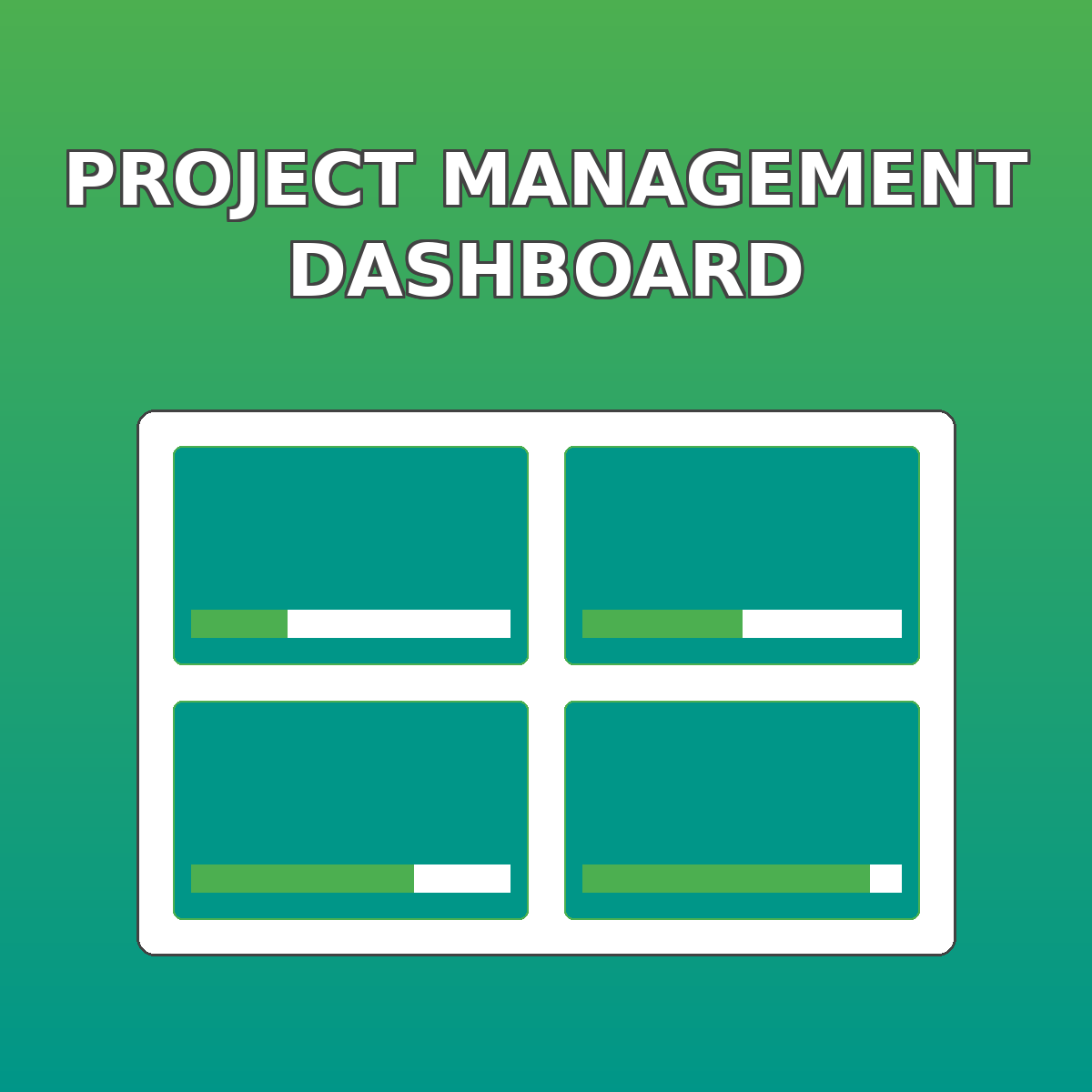
<p>Invoicing, project tracking, proposal writing, and business admin all happen here. When you have a solid <a href="https://designvault.abacusai.app/products/project-management-dashboard">Project Management Dashboard for Creatives</a>, this block shrinks dramatically — what used to take 2 hours can be done in 45 minutes.</p>
<h3>Block 4: Business Development (3pm–4pm)</h3>
<p>Prospecting, networking, content creation, and skill development. Most freelancers skip this block entirely, then wonder why their pipeline dries up.</p>
<h3>Block 5: Review and Planning (4pm–4:30pm)</h3>
<p>End each day with a 30-minute review. What got done? What's tomorrow's top priority? This simple habit eliminates the morning fog that costs most freelancers 45–60 minutes of productive time.</p>
<h2>The Client Onboarding System That Saves 5+ Hours Per Project</h2>
<p>Here's a painful truth: most freelancers spend 3–5 hours on administrative tasks for every new client — gathering information, setting expectations, sending contracts, and explaining their process. Multiply that by 20 clients a year and you've lost 60–100 hours to onboarding alone.</p>
<p>The solution is a standardized client onboarding system. When you have a repeatable process with templates, checklists, and automated touchpoints, you can onboard a new client in under an hour — and they'll have a better experience than clients who worked with freelancers charging twice your rate.</p>
<p>A complete <a href="https://designvault.abacusai.app/products/client-onboarding-system">Client Onboarding System for Designers</a> typically includes:</p>
<ul>
<li>A welcome packet that sets expectations upfront</li>
<li>A project intake questionnaire that captures everything you need</li>
<li>Contract and proposal templates ready to customize</li>
<li>A project kickoff checklist so nothing falls through the cracks</li>
<li>Communication guidelines that train clients to respect your time</li>
</ul>
<blockquote>
<p>"After implementing a proper onboarding system, I cut my admin time per client from 4 hours to 45 minutes. That's 50+ hours back in my year — and my clients actually feel more confident working with me." — Freelance designer, 6 years in business</p>
</blockquote>
<h2>Workflow Automation: The Freelancer's Secret Weapon in 2026</h2>
<p>The biggest productivity leap available to freelancers in 2026 isn't a new app or a time management technique — it's automation. Specifically, no-code automation tools that handle repetitive tasks without you lifting a finger.</p>
<p>Here are the workflows every freelancer should automate:</p>
<h3>1. Invoice and Payment Follow-Up</h3>
<p>Late payments are the bane of freelance life. Automated payment reminders sent 7 days before due, on the due date, and 3 days after can recover thousands in revenue annually — without the awkward conversations.</p>
<h3>2. Project Status Updates</h3>
<p>Instead of manually emailing clients with updates, set up automated milestone notifications. When you mark a task complete in your project management tool, the client gets an automatic update. They feel informed; you save 15 minutes per update.</p>
<h3>3. Lead Qualification and Response</h3>
<p>When a potential client fills out your contact form, an automated sequence can send your portfolio, pricing guide, and availability calendar — all before you've even seen the inquiry. By the time you respond personally, they're already pre-qualified.</p>
<h3>4. Testimonial Collection</h3>
<p>Most freelancers forget to ask for testimonials. An automated sequence triggered at project completion can request feedback, collect testimonials, and even ask for referrals — consistently, every single time.</p>
<h2>The Weekly Review System That Keeps Everything on Track</h2>
<p>Even the best systems break down without regular maintenance. Top freelancers dedicate 60–90 minutes every Friday to a structured weekly review. Here's the exact framework:</p>
<h3>Step 1: Capture (15 minutes)</h3>
<p>Collect everything that's floating in your head, your inbox, your notes app, and your desk. Get it all into one place.</p>
<h3>Step 2: Clarify (20 minutes)</h3>
<p>For each item: Is it actionable? If yes, what's the next action? If no, trash it, file it for reference, or add it to a someday list.</p>
<h3>Step 3: Review (20 minutes)</h3>
<p>Check your project list, your calendar for the coming week, and your financial metrics. Are you on track for your monthly revenue goal? Do you have enough pipeline to hit next month's target?</p>
<h3>Step 4: Plan (15 minutes)</h3>
<p>Set your top 3 priorities for next week. Block time for deep work. Schedule any client calls. Identify any potential bottlenecks before they become crises.</p>
<h2>Project Management: From Chaos to Clarity</h2>
<p>Running multiple client projects simultaneously without a proper project management system is like trying to juggle while blindfolded. You'll drop something eventually.</p>
<p>The right project management setup for freelancers includes:</p>
<ul>
<li>A master project tracker showing status, deadlines, and deliverables for every active project</li>
<li>Per-project task lists with clear ownership and due dates</li>
<li>A client communication log so you never lose track of what was agreed</li>
<li>A financial tracker showing invoiced, paid, and outstanding amounts</li>
<li>A capacity planner so you never accidentally overbook yourself</li>
</ul>
<p>The <a href="https://designvault.abacusai.app/products/project-management-dashboard">Project Management Dashboard for Creatives</a> is built specifically for freelancers managing multiple clients — it gives you a bird's-eye view of your entire business in one place, so you can make smart decisions about capacity, pricing, and priorities.</p>
<h2>The Proposal System That Wins More Projects</h2>
<p>Your proposal is often the first real impression a potential client gets of how you work. A polished, professional proposal doesn't just win projects — it sets the tone for the entire client relationship.</p>
<p>High-converting freelance proposals share these characteristics:</p>
<ul>
<li>They lead with the client's problem, not your credentials</li>
<li>They present a clear, phased approach that reduces perceived risk</li>
<li>They include social proof (testimonials, case studies) at the decision point</li>
<li>They make the next step obvious and easy</li>
<li>They look professional — design matters more than most freelancers realize</li>
</ul>
<h2>Building Your Productivity Stack: The Essential Tools</h2>
<p>You don't need 20 different apps — you need the right 5–7 tools that work together seamlessly. Here's the lean productivity stack that works for most freelancers:</p>
<ul>
<li><strong>Project management:</strong> A dedicated dashboard for tracking all active projects</li>
<li><strong>Time tracking:</strong> Essential for understanding where your hours actually go</li>
<li><strong>Invoicing:</strong> Automated invoicing with payment tracking</li>
<li><strong>Communication:</strong> A single channel per client (not email + Slack + WhatsApp)</li>
<li><strong>Document storage:</strong> Organized cloud storage with consistent naming conventions</li>
<li><strong>Automation:</strong> A no-code tool to connect your apps and eliminate manual tasks</li>
</ul>
<h2>Start Building Your System Today</h2>
<p>The freelancers who will thrive in 2026 and beyond aren't the ones with the most talent — they're the ones with the best systems. Every hour you invest in building your productivity infrastructure pays dividends for years.</p>
<p>Start with one system this week. Pick the area causing you the most pain — whether that's client onboarding, project tracking, or invoicing — and build a repeatable process around it. Then move to the next.</p>
<p>Ready to systematize your freelance business? The <strong>Complete Freelance Designer Business Kit</strong> at <a href="https://designvault.abacusai.app/products/complete-freelance-designer-business-kit">DesignVault</a> includes everything you need to build a professional, scalable freelance operation — from client onboarding templates to project management dashboards to proposal systems.</p>
<p><strong>Use code SCALE15 for 15% off your order</strong> — and start building the freelance business you actually wanted when you went out on your own.</p>
Tools to Put This Into Practice
Skip the DIY — these templates are built for exactly what you just read about.