Best Canva Project Management Dashboard for Creatives 2026: Stay Organized & Hit Every Deadline
Discover the best Canva project management dashboard templates for creatives in 2026 — visual, flexible, and designed to help freelancers and creative teams stay organized, hit deadlines, and manage multiple clients effortlessly.
<script type="application/ld+json">
{
"@context": "https://schema.org",
"@type": "Article",
"headline": "Best Canva Project Management Dashboard for Creatives 2026: Stay Organized & Hit Every Deadline",
"author": {
"@type": "Organization",
"name": "DesignVault Team"
},
"datePublished": "2026-05-14",
"publisher": {
"@type": "Organization",
"name": "DesignVault",
"logo": {
"@type": "ImageObject",
"url": "https://designvault.abacusai.app/logo.png"
}
},
"description": "Discover the best Canva project management dashboard templates for creatives in 2026 — visual, flexible, and designed to help freelancers and creative teams stay organized, hit deadlines, and manage multiple clients effortlessly.",
"mainEntityOfPage": {
"@type": "WebPage",
"@id": "https://designvault.abacusai.app/blog/best-canva-project-management-dashboard-creatives-2026"
}
}
</script>
<h1>Best Canva Project Management Dashboard for Creatives 2026: Stay Organized & Hit Every Deadline</h1>
<p>It's 9 PM on a Tuesday. You have three client projects in progress, two revision requests sitting in your inbox, and a deadline tomorrow morning that you're not entirely sure you wrote down correctly. You're juggling everything in your head, a scattered notes app, and a spreadsheet that made sense three weeks ago but now looks like abstract art.</p>
<p>If this sounds familiar, you're not alone. Project management is the silent killer of creative businesses. It's not lack of talent or even lack of clients — it's the chaos of managing multiple projects without a clear system. And in 2026, the solution doesn't have to be expensive software with a steep learning curve.</p>
<p>Canva project management dashboard templates give creatives a visual, flexible, and instantly customizable way to track everything — without leaving the tool you already use for client work. In this guide, we'll cover what makes a great creative project dashboard, how to use one effectively, and which templates are worth downloading right now.</p>
<h2>Why Creatives Need a Different Kind of Project Management Tool</h2>
<p>Generic project management tools like Asana, Monday.com, or Trello are built for teams with defined workflows. They're powerful, but they come with a problem: they're designed for project managers, not creatives.</p>
<p>As a freelance designer, photographer, copywriter, or creative director, your workflow is fundamentally different:</p>
<ul>
<li>Projects have visual deliverables that need to be tracked alongside tasks</li>
<li>Client feedback cycles are unpredictable and often happen outside the tool</li>
<li>You're often a team of one, so you need simplicity over feature bloat</li>
<li>Your dashboard needs to be something you actually <em>want</em> to look at every day</li>
</ul>
<p>A Canva project management dashboard solves all of these problems. It's visual by nature, completely customizable to your workflow, and lives in the same ecosystem where you're already creating client work.</p>
<h2>What to Look for in a Canva Project Management Dashboard Template</h2>
<p>Not every dashboard template will work for every creative. Here's what separates a genuinely useful template from one that looks great in a screenshot but falls apart in practice:</p>
<h3>Multi-Project Overview</h3>
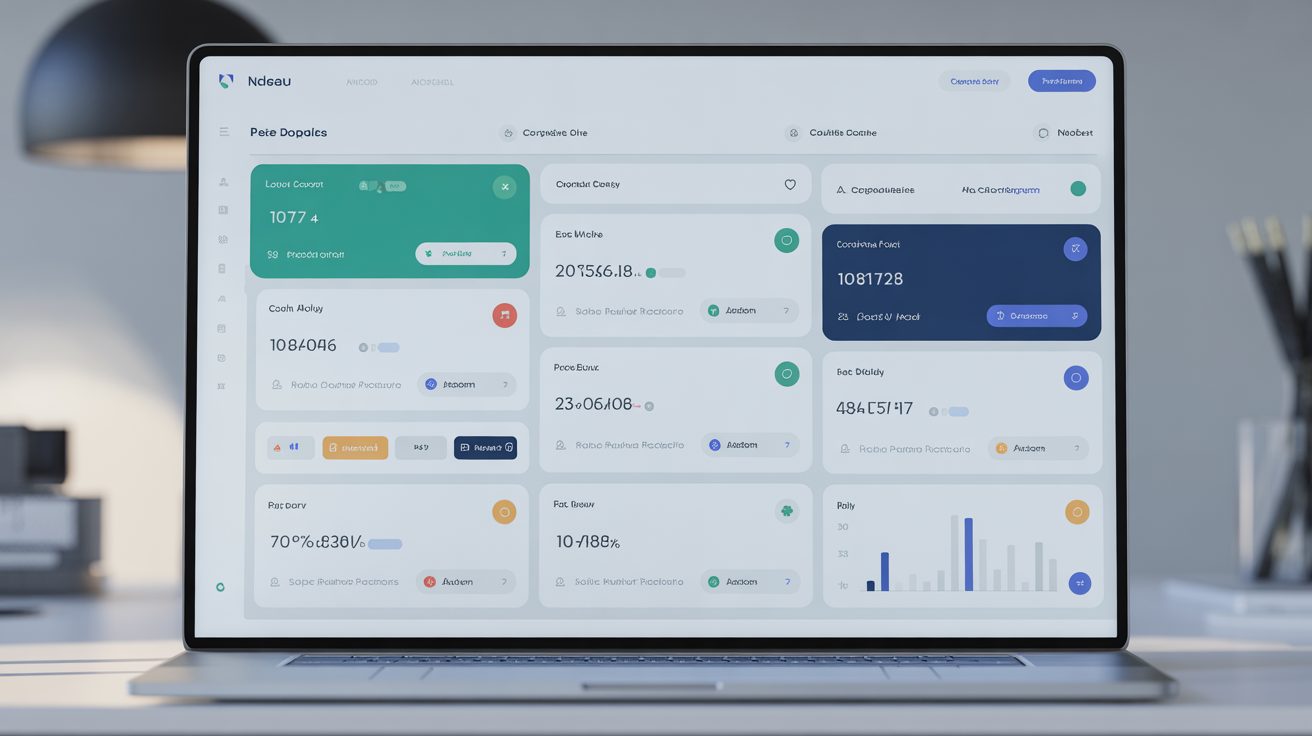
<p>The best dashboards give you a bird's-eye view of all active projects at once. You should be able to see project names, clients, deadlines, and status at a glance — without clicking into individual project pages. Look for templates with a master overview section that can hold 5-10 active projects simultaneously.</p>
<h3>Status Tracking System</h3>
<p>Color-coded status indicators (Not Started / In Progress / In Review / Complete) are essential. The best templates use visual chips or badges that you can update in seconds. Avoid templates that require you to type status updates — visual indicators are faster and easier to scan.</p>
<h3>Deadline Visibility</h3>
<p>Deadlines should be impossible to miss. Look for templates that display due dates prominently, ideally with a visual timeline or calendar view alongside the task list. The goal is to see at a glance which projects are on track and which need immediate attention.</p>
<h3>Client Information Fields</h3>
<p>Each project entry should have space for client name, contact info, project brief summary, and file location links. This prevents the "where did I save that brief?" scramble that wastes 20 minutes every time you switch between projects.</p>
<h3>Revision Tracking</h3>
<p>Creative projects live and die by revision rounds. A good dashboard template includes a revision counter for each project so you can track whether you're within scope and when to start discussing additional fees.</p>
<h2>The 5 Types of Canva Project Management Dashboards for Creatives</h2>
<p>Different creative workflows call for different dashboard structures. Here are the five most useful formats:</p>
<h3>1. The Master Project Tracker</h3>
<p>A single-page overview of all active projects with status, deadline, client, and priority columns. Best for freelancers managing 5-15 simultaneous projects. This is the most popular format because it gives you everything in one view.</p>
<h3>2. The Weekly Sprint Board</h3>
<p>Organized by day of the week, this dashboard shows exactly what needs to happen Monday through Friday. Ideal for creatives who prefer time-blocking and want to plan their week in advance. Pairs well with a time-tracking system.</p>
<h3>3. The Client Project Hub</h3>
<p>One dashboard per client, containing all projects, deliverables, feedback notes, and communication history for that client. Best for agencies or freelancers with a small number of high-value, long-term clients.</p>
<h3>4. The Pipeline Dashboard</h3>
<p>Tracks projects from lead to completion — Prospect / Proposal Sent / Contract Signed / In Progress / Delivered / Invoiced / Paid. This format is especially valuable for freelancers who want to see their revenue pipeline alongside their project workload.</p>
<h3>5. The Content Production Calendar</h3>
<p>Designed for content creators and social media managers, this dashboard combines project tracking with a content calendar. Track blog posts, social content, video scripts, and design assets all in one visual system.</p>
<p>For a complete collection of creative project management templates, explore our <a href="https://designvault.abacusai.app/templates/canva-project-management-template">Canva Project Management Template</a> library — built specifically for freelancers and creative professionals.</p>
<h2>How to Set Up Your Canva Project Dashboard in Under 30 Minutes</h2>
<p>The biggest barrier to using a project management system is the setup time. Here's how to get your Canva dashboard running fast:</p>
<ol>
<li><strong>Download your template</strong> and open it in Canva</li>
<li><strong>Customize the header</strong> with your name or business name and the current month/quarter</li>
<li><strong>Set up your status color system</strong> — decide which colors mean what and stick to it</li>
<li><strong>Enter all current active projects</strong> — even if details are incomplete, get them on the board</li>
<li><strong>Add deadlines</strong> for every project, even rough estimates</li>
<li><strong>Set a daily check-in habit</strong> — 5 minutes every morning to update statuses and review the day</li>
</ol>
<p>The key is to start with what you have and refine as you go. A 70% complete dashboard you actually use beats a perfect system you never open.</p>
<h2>Canva Dashboard vs. Dedicated Project Management Software: The Real Comparison</h2>
<p>Let's be honest about the trade-offs:</p>
<p><strong>Canva Dashboard Advantages:</strong></p>
<ul>
<li>No monthly subscription (one-time template purchase)</li>
<li>Fully visual and customizable to your exact workflow</li>
<li>Works in a tool you already know</li>
<li>Easy to share with clients as a PDF status update</li>
<li>No learning curve — if you can use Canva, you can use the dashboard</li>
</ul>
<p><strong>Dedicated Software Advantages:</strong></p>
<ul>
<li>Real-time collaboration with team members</li>
<li>Automated reminders and notifications</li>
<li>Integration with other tools (Slack, email, time tracking)</li>
<li>Mobile apps for on-the-go updates</li>
</ul>
<p><strong>The verdict:</strong> For solo freelancers and small creative teams (1-3 people), a Canva dashboard is often the better choice. For larger teams or complex multi-stakeholder projects, dedicated software makes more sense. Many successful freelancers use a Canva dashboard for their personal workflow and a simple shared tool like Notion for client-facing project updates.</p>
<h2>Integrating Your Project Dashboard with Your Client Onboarding System</h2>
<p>The most productive freelancers don't treat their project dashboard as an isolated tool — they integrate it with their entire client workflow. Here's how:</p>
<p>When a new client signs a contract, immediately add their project to your dashboard with:</p>
<ul>
<li>Project name and client name</li>
<li>Contract value and payment schedule</li>
<li>Key milestones and deadlines</li>
<li>Revision allowance from the contract</li>
<li>Link to the project folder in your cloud storage</li>
</ul>
<p>This takes 5 minutes during onboarding and saves hours of confusion later. For a complete client onboarding system that integrates seamlessly with your project tracking, check out our <a href="https://designvault.abacusai.app/templates/client-onboarding-template-canva">Client Onboarding Template for Canva</a> — designed to work alongside your project dashboard as a complete client management system.</p>
<h2>Advanced Dashboard Strategies for High-Volume Freelancers</h2>
<p>Once you've mastered the basics, here are strategies used by top-earning freelancers to get even more from their project dashboards:</p>
<h3>The Weekly Review Ritual</h3>
<p>Every Friday afternoon, spend 15 minutes reviewing your dashboard. Archive completed projects, update statuses, check upcoming deadlines for the next two weeks, and identify any projects that are at risk of running over scope. This weekly ritual prevents small problems from becoming crises.</p>
<h3>Revenue Tracking Integration</h3>
<p>Add a revenue column to your project tracker showing the contract value for each project. This gives you a real-time view of your monthly revenue pipeline — not just your workload. Seeing the dollar value next to each project also helps you prioritize when you're overloaded.</p>
<h3>The "Waiting On" Status</h3>
<p>Add a "Waiting On Client" status to your dashboard for projects that are blocked by client feedback or approvals. This makes it immediately clear which delays are on your end versus the client's end — crucial information when clients ask why a project is taking longer than expected.</p>
<h3>Template Duplication for Recurring Projects</h3>
<p>If you do recurring work (monthly social media packages, quarterly reports, etc.), create a master project template in your dashboard that you duplicate each month. Pre-fill the standard tasks and deadlines so setup takes 2 minutes instead of 20.</p>
<h2>Recommended Products for Creative Project Management</h2>
<p>Ready to build a project management system that actually works for your creative business? Here are our top picks:</p>
<div style="border: 1px solid #e5e7eb; border-radius: 8px; padding: 20px; margin: 20px 0; background: #f9fafb;">
<h3 style="margin-top: 0;"><a href="https://designvault.abacusai.app/products/project-management-dashboard">Project Management Dashboard for Creatives</a></h3>
<p>A comprehensive Canva project management system built specifically for freelancers and creative professionals. Includes a master project tracker, weekly sprint board, client hub template, and pipeline dashboard — all in a cohesive visual system. Fully editable with your brand colors and fonts. This is the dashboard that replaces your scattered sticky notes and forgotten spreadsheets for good.</p>
</div>
<div style="border: 1px solid #e5e7eb; border-radius: 8px; padding: 20px; margin: 20px 0; background: #f9fafb;">
<h3 style="margin-top: 0;"><a href="https://designvault.abacusai.app/products/client-onboarding-system">Client Onboarding System for Designers</a></h3>
<p>The perfect companion to your project dashboard. This complete onboarding system ensures every new project starts with clear expectations, signed agreements, and all the information you need to deliver great work. Includes welcome packets, project questionnaires, timeline templates, and kickoff meeting guides — all designed to integrate with your project tracking workflow.</p>
</div>
<div style="border: 1px solid #e5e7eb; border-radius: 8px; padding: 20px; margin: 20px 0; background: #f9fafb;">
<h3 style="margin-top: 0;"><a href="https://designvault.abacusai.app/products/complete-freelance-designer-business-kit">The Complete Freelance Designer Business Kit</a></h3>
<p>Why buy templates one at a time when you can get everything in one comprehensive kit? This all-in-one bundle includes project management dashboards, client onboarding docs, invoice and proposal templates, social media content planners, and more. The complete system for running a professional, organized, and profitable freelance design business.</p>
</div>
<blockquote style="border-left: 4px solid #6366f1; padding-left: 20px; margin: 30px 0; font-style: italic;">
<p>🎉 <strong>Special Offer:</strong> Use code <strong>LAUNCH30</strong> at checkout for 30% off your first order. Stop managing chaos and start managing projects — your future self will thank you.</p>
</blockquote>
<h2>Final Thoughts: The Right Dashboard Changes Everything</h2>
<p>Project management isn't glamorous. It doesn't directly produce the creative work your clients pay for. But it's the foundation that makes everything else possible — hitting deadlines consistently, managing client expectations, scaling your workload without burning out, and building the kind of reputation that generates referrals.</p>
<p>In 2026, the best Canva project management dashboards for creatives are more sophisticated than ever — visual, flexible, and designed for the way creative work actually happens. The right template doesn't just organize your projects; it transforms how you run your business.</p>
<p>Download a professional project management dashboard today and experience what it feels like to have complete clarity on every project, every deadline, and every client — all in one place.</p>
Tools to Put This Into Practice
Skip the DIY — these templates are built for exactly what you just read about.