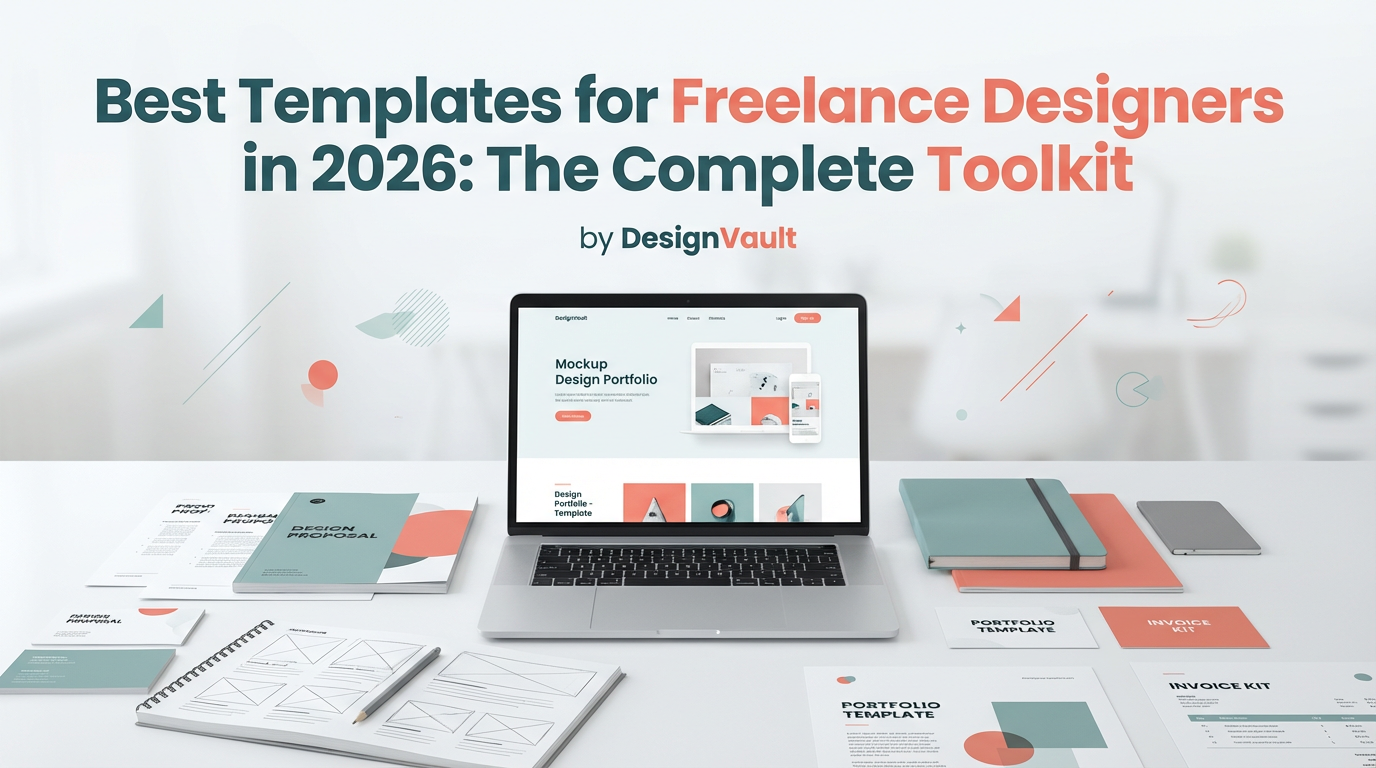
Best Templates for Freelance Designers in 2026: The Complete Toolkit
Stop reinventing the wheel. These essential templates help freelance designers streamline client work, get paid faster, and scale to 6 figures without burning out.
<h1>Best Templates for Freelance Designers in 2026: The Complete Toolkit</h1>
<p>Here's a truth bomb: <strong>successful freelance designers don't work harder—they work smarter.</strong> While struggling designers spend hours crafting proposals, chasing invoices, and managing client communications, top earners use battle-tested templates that handle the heavy lifting.</p>
<p>The difference? Templates. Not just any templates—strategic, professional systems that position you as the expert, protect your time, and get you paid faster.</p>
<p>After analyzing what separates six-figure freelance designers from those stuck at $3K/month, we've identified the exact templates you need in your arsenal. Let's dive in.</p>
<h2>Why Templates Are Your Secret Weapon in 2026</h2>
<p>The freelance design landscape has changed dramatically. Clients expect:</p>
<ul>
<li><strong>Lightning-fast responses</strong> (reply in 24 hours or lose the project)</li>
<li><strong>Professional documentation</strong> (no more casual email agreements)</li>
<li><strong>Clear processes</strong> (they want to know exactly what happens next)</li>
<li><strong>Consistent communication</strong> (radio silence kills trust)</li>
</ul>
<p>Templates let you deliver all of this while working fewer hours. It's not about being impersonal—it's about being <em>consistently excellent</em> without the mental overhead.</p>
<h2>The 7 Essential Templates Every Freelance Designer Needs</h2>
<h3>1. Client Inquiry Response Template</h3>
<p>First impressions matter. When a potential client reaches out, your response sets the tone for the entire relationship.</p>
<p><strong>What to include:</strong></p>
<ul>
<li>Warm, professional greeting that acknowledges their specific needs</li>
<li>Brief overview of your process and timeline</li>
<li>Clear next steps (discovery call, questionnaire, etc.)</li>
<li>Link to your portfolio or case studies</li>
<li>Availability for initial consultation</li>
</ul>
<p>Pro tip: Have 3 versions—one for dream clients, one for standard inquiries, and one for projects outside your scope (with referral suggestions).</p>
<h3>2. Project Proposal Template</h3>
<p>This is where you win or lose the project. A strong proposal template should:</p>
<ul>
<li>Restate the client's problem in their own words</li>
<li>Present your solution with clear deliverables</li>
<li>Break down the project into phases</li>
<li>Include timeline and milestones</li>
<li>Show pricing options (good, better, best)</li>
<li>Address common objections preemptively</li>
<li>End with a clear call-to-action</li>
</ul>
<p>The <a href="https://designvault.abacusai.app/products/invoice-proposal-templates">Professional Invoice & Proposal Templates</a> include 5 different proposal formats optimized for different project types—from logo design to full brand identity systems.</p>
<h3>3. Client Onboarding Packet</h3>
<p>Once they say yes, your onboarding process determines whether this will be a dream project or a nightmare. Your packet should include:</p>
<ul>
<li><strong>Welcome letter:</strong> Set expectations and build excitement</li>
<li><strong>Contract/Agreement:</strong> Protect both parties legally</li>
<li><strong>Project questionnaire:</strong> Gather all necessary information upfront</li>
<li><strong>Brand guidelines request:</strong> Get their existing assets</li>
<li><strong>Communication guidelines:</strong> How and when you'll be in touch</li>
<li><strong>Payment schedule:</strong> When and how they'll pay</li>
</ul>
<p>A comprehensive onboarding system eliminates 90% of mid-project confusion and scope creep. The <a href="https://designvault.abacusai.app/products/client-onboarding-system">Client Onboarding System for Designers</a> walks you through every step with fill-in-the-blank templates.</p>
<h3>4. Design Brief Template</h3>
<p>Never start a project without a solid brief. This document becomes your north star when the client inevitably says "can we try something completely different?"</p>
<p><strong>Essential sections:</strong></p>
<ul>
<li>Project objectives and success metrics</li>
<li>Target audience demographics and psychographics</li>
<li>Brand personality and tone</li>
<li>Competitor analysis</li>
<li>Design preferences and inspiration</li>
<li>Technical requirements and constraints</li>
<li>Approval process and decision-makers</li>
</ul>
<p>When scope creep happens (and it will), you can point back to the brief: "That's a great idea! It falls outside our original brief, so let's discuss it as a separate phase."</p>
<h3>5. Revision Request Form</h3>
<p>Unstructured feedback is a designer's worst enemy. "Make it pop" and "I'll know it when I see it" lead to endless revisions and resentment.</p>
<p>A revision request form forces clients to:</p>
<ul>
<li>Identify specific elements they want changed</li>
<li>Explain <em>why</em> something isn't working</li>
<li>Provide concrete direction, not vague feelings</li>
<li>Stay within the agreed-upon revision count</li>
</ul>
<p>This single template can cut your revision time in half while improving client satisfaction. They feel heard, and you get actionable feedback.</p>
<h3>6. Invoice Template (with Payment Terms)</h3>
<p>Getting paid shouldn't be complicated. Your invoice template needs:</p>
<ul>
<li>Professional branding (yes, even your invoices should look good)</li>
<li>Clear line items with descriptions</li>
<li>Payment terms prominently displayed</li>
<li>Multiple payment methods</li>
<li>Late fee policy (and the courage to enforce it)</li>
<li>Thank you message and next steps</li>
</ul>
<p>Pro designers send invoices immediately after milestone completion, not days later. Templates make this instant.</p>
<h3>7. Project Completion & Testimonial Request</h3>
<p>The project isn't over when you deliver the files. Your completion template should:</p>
<ul>
<li>Celebrate the successful collaboration</li>
<li>Provide all final files with clear organization</li>
<li>Include a brief usage guide</li>
<li>Request a testimonial (with specific prompts)</li>
<li>Ask for referrals</li>
<li>Offer ongoing support options</li>
<li>Stay in touch for future projects</li>
</ul>
<p>This is how you turn one-time clients into repeat customers and referral sources.</p>
<h2>Bonus Templates That Separate Good from Great</h2>
<h3>Social Media Content Templates</h3>
<p>Your portfolio is your best marketing tool. Use templates to consistently share:</p>
<ul>
<li>Before/after project reveals</li>
<li>Behind-the-scenes process shots</li>
<li>Client testimonials</li>
<li>Design tips and insights</li>
<li>Case study highlights</li>
</ul>
<p>The <a href="https://designvault.abacusai.app/products/social-media-content-planner">Social Media Content Planner for Designers</a> includes 30 days of ready-to-customize post templates that showcase your work and attract ideal clients.</p>
<h3>Email Sequence Templates</h3>
<p>Automate your client communication with pre-written sequences for:</p>
<ul>
<li>Post-inquiry follow-up (if they go silent)</li>
<li>Mid-project check-ins</li>
<li>Payment reminders (friendly but firm)</li>
<li>Post-project nurture (stay top-of-mind)</li>
<li>Reactivation campaigns (bring back past clients)</li>
</ul>
<h3>Project Management Dashboard</h3>
<p>Track all your projects in one place with templates for:</p>
<ul>
<li>Project timeline and milestones</li>
<li>Client contact information</li>
<li>File organization system</li>
<li>Task checklists</li>
<li>Time tracking</li>
<li>Profitability analysis</li>
</ul>
<p>The <a href="https://designvault.abacusai.app/products/project-management-dashboard">Project Management Dashboard for Creatives</a> is a plug-and-play Notion system that keeps everything organized without the learning curve of complex PM software.</p>
<h2>How to Actually Use Templates (Without Sounding Robotic)</h2>
<p>Here's the secret: <strong>templates are starting points, not scripts.</strong></p>
<p>The best freelancers:</p>
<ol>
<li>Start with the template structure</li>
<li>Customize 20-30% for each client's specific situation</li>
<li>Add personal touches (reference something from your conversation)</li>
<li>Adjust tone to match the client's communication style</li>
<li>Review before sending (never send without reading)</li>
</ol>
<p>Think of templates like cooking with a recipe. The recipe gives you the structure and proportions, but you adjust seasoning to taste.</p>
<h2>The ROI of Templates: Real Numbers</h2>
<p>Let's do the math on what templates actually save you:</p>
<ul>
<li><strong>Proposal writing:</strong> 3 hours → 30 minutes (2.5 hours saved)</li>
<li><strong>Client onboarding:</strong> 2 hours → 20 minutes (1.7 hours saved)</li>
<li><strong>Invoice creation:</strong> 30 minutes → 5 minutes (25 minutes saved)</li>
<li><strong>Email responses:</strong> 1 hour/day → 15 minutes/day (3.75 hours saved per week)</li>
</ul>
<p>That's <strong>8+ hours saved per project</strong>. If you take on 2 projects per month, that's 16 hours—two full workdays—back in your schedule.</p>
<p>What could you do with an extra 192 hours per year? Take on more clients? Raise your rates? Actually take a vacation?</p>
<h2>Building Your Template Library: Start Here</h2>
<p>Don't try to create everything at once. Here's your 30-day implementation plan:</p>
<p><strong>Week 1:</strong> Set up your proposal and invoice templates<br>
<strong>Week 2:</strong> Create your client onboarding packet<br>
<strong>Week 3:</strong> Build your email response templates<br>
<strong>Week 4:</strong> Develop your project management system</p>
<p>Or skip the setup time entirely. The <a href="https://designvault.abacusai.app/products/complete-freelance-designer-business-kit">Complete Freelance Designer Business Kit</a> includes all 7 essential templates plus 15 bonus resources, ready to customize with your branding.</p>
<blockquote>
<p><strong>Limited Time Offer:</strong> Use code <strong>LAUNCH30</strong> to get 30% off the Complete Freelance Designer Business Kit. Stop reinventing the wheel and start scaling your business.</p>
</blockquote>
<h2>Your Template-Powered Future</h2>
<p>Imagine this: A potential client emails you at 9 PM. By 9:05 PM, they've received a professional response with your portfolio, process overview, and a link to book a discovery call. No scrambling, no stress, no "I'll get back to you tomorrow."</p>
<p>That's the power of templates. They let you be responsive, professional, and consistent—even when you're not at your desk.</p>
<p>The designers who scale to six figures aren't working 80-hour weeks. They're working smarter with systems that do the heavy lifting. Templates are the foundation of those systems.</p>
<p>Your future self—the one running a thriving, sustainable design business—will thank you for implementing these templates today.</p>
<p>Ready to work smarter, not harder? Your template library awaits.</p>
Tools to Put This Into Practice
Skip the DIY — these templates are built for exactly what you just read about.