How to Automate Business Tasks with n8n: A Complete Workflow Guide for 2026
Discover how to automate repetitive business tasks with n8n workflows and reclaim 15+ hours per week. This complete guide shows you exactly which processes to automate first.
<h1>How to Automate Business Tasks with n8n: A Complete Workflow Guide for 2026</h1>
<p>If you're spending hours each week on repetitive business tasks—manually sending emails, updating spreadsheets, or copying data between apps—you're not alone. The average solopreneur wastes <strong>15-20 hours per week</strong> on tasks that could be automated. That's nearly half your work week gone.</p>
<p>Enter n8n: the open-source automation platform that's revolutionizing how small businesses operate. Unlike expensive enterprise tools, n8n gives you the power to build custom workflows without breaking the bank or needing a computer science degree.</p>
<h2>Why n8n is Perfect for Small Business Automation</h2>
<p>Before we dive into the how-to, let's talk about why n8n has become the go-to choice for entrepreneurs and small business owners:</p>
<ul>
<li><strong>Visual workflow builder:</strong> Drag-and-drop interface makes automation accessible</li>
<li><strong>400+ integrations:</strong> Connect all your favorite tools (Gmail, Slack, Airtable, Shopify, and more)</li>
<li><strong>Self-hosted or cloud:</strong> You control your data and costs</li>
<li><strong>No per-execution fees:</strong> Unlike Zapier, you won't pay more as you scale</li>
<li><strong>Powerful logic:</strong> Build complex workflows with conditional branching and data transformation</li>
</ul>
<h2>The 5 Business Tasks You Should Automate First</h2>
<p>Not all automation is created equal. Start with these high-impact, low-complexity workflows:</p>
<h3>1. Lead Capture and CRM Updates</h3>
<p>Every time someone fills out a contact form, n8n can automatically:</p>
<ul>
<li>Add them to your CRM with proper tagging</li>
<li>Send a personalized welcome email</li>
<li>Notify your sales team in Slack</li>
<li>Create a follow-up task in your project management tool</li>
</ul>
<p>This single workflow can save you 5-10 hours per week if you're getting regular leads. Our <a href="https://designvault.abacusai.app/products/n8n-ai-lead-generation">AI Lead Generation System</a> includes pre-built templates for exactly this scenario.</p>
<h3>2. Social Media Content Distribution</h3>
<p>Create once, publish everywhere. Set up an n8n workflow that:</p>
<ul>
<li>Monitors your blog RSS feed for new posts</li>
<li>Automatically formats content for each platform</li>
<li>Schedules posts to Twitter, LinkedIn, and Facebook</li>
<li>Saves all posts to a content calendar spreadsheet</li>
</ul>
<p>The <a href="https://designvault.abacusai.app/products/n8n-social-media-autoposter">Social Media Auto-Poster</a> template makes this setup take just 15 minutes instead of hours of manual configuration.</p>
<h3>3. Client Onboarding Sequences</h3>
<p>When a new client signs up, trigger a workflow that:</p>
<ul>
<li>Sends a welcome email with next steps</li>
<li>Creates a project folder in Google Drive</li>
<li>Generates an invoice in your accounting software</li>
<li>Schedules a kickoff call and sends calendar invites</li>
<li>Adds the client to your email nurture sequence</li>
</ul>
<h3>4. E-commerce Order Processing</h3>
<p>Automate your entire post-purchase flow:</p>
<ul>
<li>Send order confirmation with tracking details</li>
<li>Update inventory across multiple platforms</li>
<li>Create shipping labels automatically</li>
<li>Trigger abandoned cart recovery emails</li>
<li>Request reviews 7 days after delivery</li>
</ul>
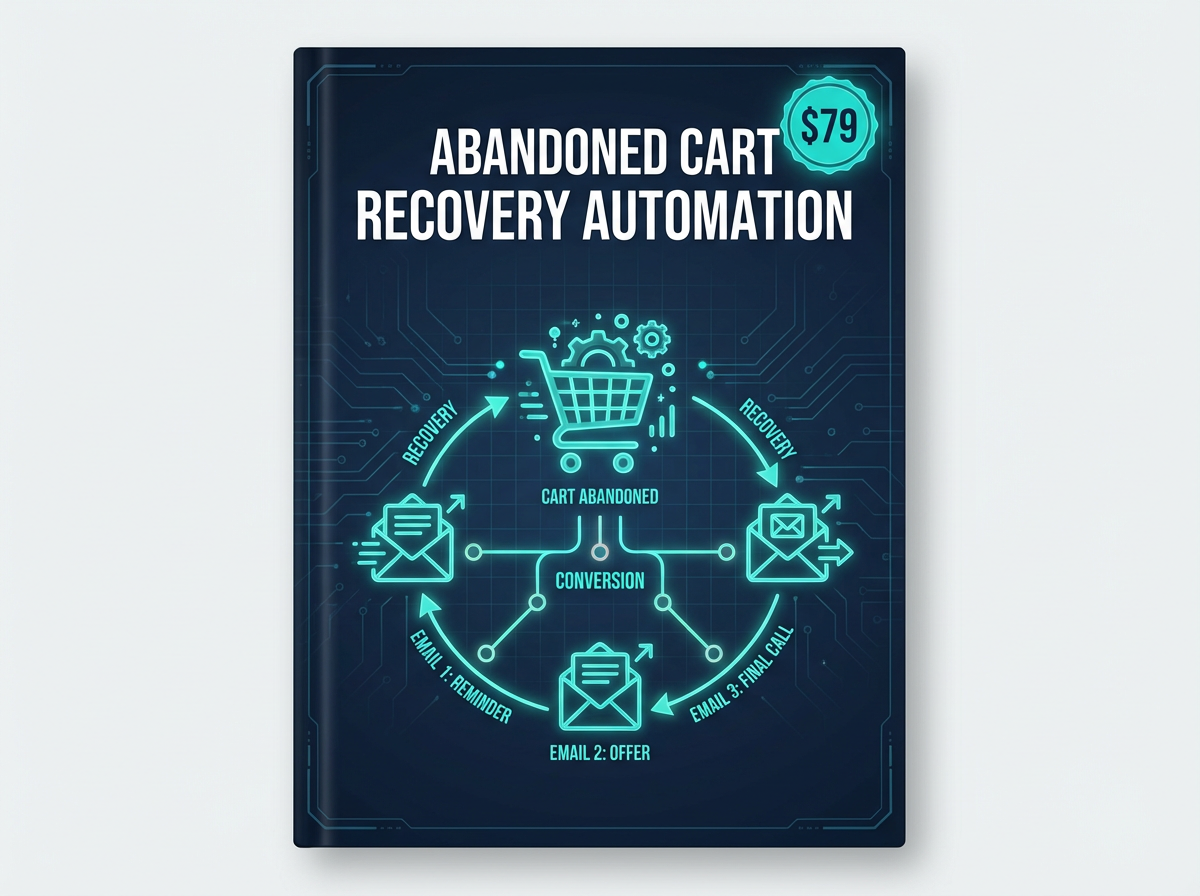
<p>Our <a href="https://designvault.abacusai.app/products/n8n-abandoned-cart-recovery">Abandoned Cart Recovery Automation</a> has helped store owners recover 15-25% of lost sales on autopilot.</p>
<h3>5. Email Marketing Automation</h3>
<p>Build sophisticated email sequences that:</p>
<ul>
<li>Segment subscribers based on behavior</li>
<li>Send personalized content recommendations</li>
<li>Re-engage inactive subscribers</li>
<li>Track opens and clicks for optimization</li>
</ul>
<h2>Building Your First n8n Workflow: Step-by-Step</h2>
<p>Let's walk through creating a simple but powerful workflow—automatically saving email attachments to cloud storage:</p>
<blockquote>
<p><strong>Workflow Goal:</strong> When you receive an email with an attachment, automatically save it to Google Drive and send a Slack notification.</p>
</blockquote>
<p><strong>Step 1: Set Up Your Trigger</strong><br>
Add an Email Trigger node (IMAP) and connect your email account. Configure it to check for new emails every 5 minutes.</p>
<p><strong>Step 2: Filter for Attachments</strong><br>
Add an IF node to check if the email has attachments. This prevents the workflow from running on every email.</p>
<p><strong>Step 3: Save to Google Drive</strong><br>
Add a Google Drive node, authenticate your account, and configure it to save attachments to a specific folder.</p>
<p><strong>Step 4: Send Notification</strong><br>
Add a Slack node to notify you when files are saved, including the filename and sender.</p>
<p><strong>Step 5: Test and Activate</strong><br>
Use n8n's built-in testing feature to verify each step, then activate your workflow.</p>
<p>That's it! You've just built your first automation. This same pattern—trigger, filter, action, notification—applies to hundreds of business workflows.</p>
<h2>Common n8n Automation Mistakes to Avoid</h2>
<p>After helping hundreds of entrepreneurs set up their automation systems, here are the pitfalls to watch out for:</p>
<ul>
<li><strong>Over-automating too soon:</strong> Start with 2-3 workflows, master them, then expand</li>
<li><strong>No error handling:</strong> Always add error notification nodes so you know when something breaks</li>
<li><strong>Ignoring data validation:</strong> Use IF nodes to check data quality before processing</li>
<li><strong>Not documenting workflows:</strong> Add notes to your workflows explaining what they do</li>
<li><strong>Forgetting to test edge cases:</strong> What happens if a field is empty? Test it.</li>
</ul>
<h2>Ready-Made Templates vs. Building from Scratch</h2>
<p>While building workflows from scratch is educational, it's time-consuming. Most successful entrepreneurs use a hybrid approach:</p>
<ul>
<li>Start with proven templates for common use cases</li>
<li>Customize them for your specific needs</li>
<li>Build custom workflows only for unique processes</li>
</ul>
<p>This approach cuts your automation setup time from weeks to days. The <a href="https://designvault.abacusai.app/products/n8n-complete-business-automation-kit">Complete n8n Business Automation Kit</a> includes 25+ pre-built workflows covering the most common business scenarios, from lead generation to customer support.</p>
<h2>Measuring Your Automation ROI</h2>
<p>How do you know if automation is working? Track these metrics:</p>
<ul>
<li><strong>Time saved per week:</strong> Calculate hours reclaimed from manual tasks</li>
<li><strong>Error reduction:</strong> Automated processes have 95%+ accuracy vs. manual entry</li>
<li><strong>Response time improvement:</strong> Instant automated responses vs. hours of delay</li>
<li><strong>Revenue impact:</strong> Faster follow-ups = higher conversion rates</li>
</ul>
<p>Most businesses see a <strong>10-15 hour weekly time savings</strong> within the first month of implementing n8n automation. At a $100/hour value, that's $4,000-$6,000 in reclaimed time monthly.</p>
<h2>Your Next Steps: Start Automating Today</h2>
<p>The best time to start automating was yesterday. The second best time is right now. Here's your action plan:</p>
<ol>
<li>List your 5 most repetitive weekly tasks</li>
<li>Choose the one that takes the most time</li>
<li>Map out the steps manually (this becomes your workflow blueprint)</li>
<li>Build or install a template for that workflow</li>
<li>Test thoroughly before going live</li>
<li>Monitor for one week, then optimize</li>
</ol>
<p>Don't let the learning curve intimidate you. With the right templates and guidance, you can have your first automation running in under an hour.</p>
<blockquote>
<p><strong>Special Offer:</strong> Use code <strong>AUTOMATE20</strong> at checkout to get 20% off all n8n automation templates. Start reclaiming your time today.</p>
</blockquote>
<p>Remember: every hour you spend setting up automation is an hour you'll save every single week going forward. That's a 52x return on investment in the first year alone.</p>
<p>Ready to stop working <em>in</em> your business and start working <em>on</em> it? Your automated future starts with a single workflow.</p>
Tools to Put This Into Practice
Skip the DIY — these templates are built for exactly what you just read about.