How to Automate Your Business with n8n: The 2026 Step-by-Step Playbook for Non-Coders
Discover how to automate repetitive business tasks using n8n workflows--no coding required. This step-by-step playbook covers the top automations that save 20+ hours per week in 2026.
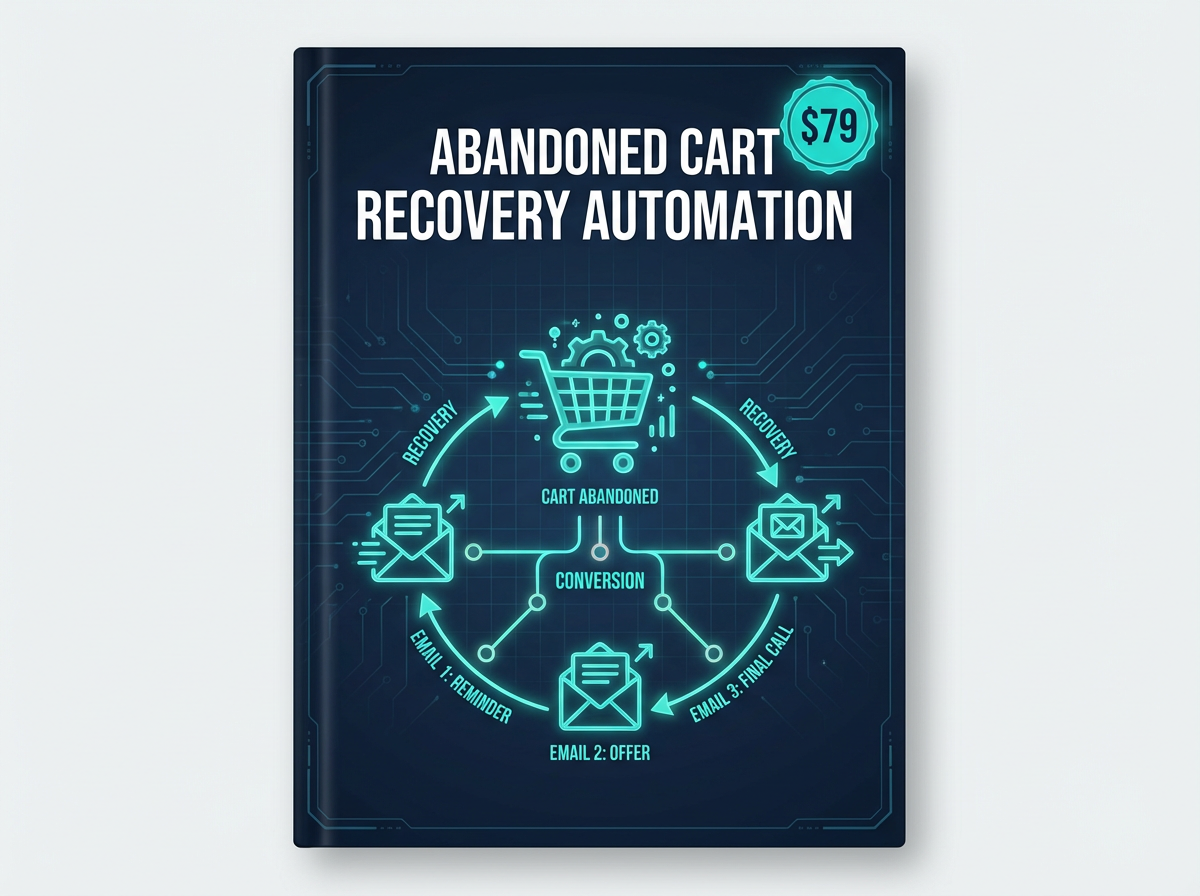
<h1>How to Automate Your Business with n8n: The 2026 Step-by-Step Playbook for Non-Coders</h1><p>You started your business to do work you love--not to spend half your day copying data between apps, sending follow-up emails, or manually posting to social media. Yet here you are, watching hours evaporate into tasks a computer could handle in seconds.</p><p>The good news? <strong>n8n</strong> has quietly become the most powerful no-code automation platform available in 2026--and you don't need to write a single line of code to use it. In this playbook, we'll walk through exactly how to automate your most time-consuming business tasks, step by step, so you can reclaim your calendar and focus on growth.</p><h2>Why n8n Is the Automation Tool Serious Business Owners Are Switching To</h2><p>Most business owners have heard of Zapier or Make (formerly Integromat). But n8n offers something those platforms don't: <strong>self-hostable, open-source automation with unlimited workflow runs</strong>. That means no per-task pricing that balloons as you scale, and full control over your data.</p><p>In 2026, n8n supports over 400 integrations--from Gmail and Slack to Stripe, Notion, Airtable, and custom webhooks. Whether you're a freelancer, coach, or small business owner, there's a workflow waiting to save you hours every week.</p><blockquote><p>"I went from spending 3 hours a day on admin tasks to under 30 minutes--just by setting up 5 n8n workflows." -- DesignVault community member</p></blockquote><h2>Step 1: Identify Your Highest-Value Automation Opportunities</h2><p>Before you build anything, audit your week. For three days, track every task you do more than once. Common culprits include:</p><ul><li>Manually sending welcome emails to new leads or clients</li><li>Copying form submissions into a spreadsheet or CRM</li><li>Posting the same content across multiple social media platforms</li><li>Following up with prospects who haven't responded</li><li>Generating and sending invoices after project milestones</li><li>Tagging and segmenting email subscribers based on behavior</li></ul><p>Rank these by <strong>time cost x frequency</strong>. The tasks at the top of that list are your first automation targets.</p><h2>Step 2: Set Up Your n8n Environment</h2><p>You have two options for running n8n:</p><h3>Option A: n8n Cloud (Easiest)</h3><p>Sign up at n8n.io and get a hosted instance. No server management required. Ideal for beginners who want to start automating within minutes.</p><h3>Option B: Self-Hosted n8n (Most Powerful)</h3><p>Deploy n8n on a VPS (like DigitalOcean or Hetzner) using Docker. This gives you unlimited executions and full data privacy. A basic $6/month server handles most small business workloads easily.</p><p>Once you're set up, connect your first integration. Start with something you use daily--Gmail, Google Sheets, or your CRM. n8n's credential manager stores your API keys securely and reuses them across all workflows.</p><h2>Step 3: Build Your First Automation Workflow</h2><p>Let's walk through a real example: <strong>automatically adding new form submissions to your CRM and sending a welcome email</strong>.</p><ol><li><strong>Trigger Node:</strong> Set a Webhook trigger (or use a Typeform/Tally node) to fire whenever someone submits your lead form.</li><li><strong>Transform Node:</strong> Use a Set node to map form fields (name, email, company) to your CRM's field format.</li><li><strong>CRM Node:</strong> Add a HubSpot, Notion, or Airtable node to create a new contact record automatically.</li><li><strong>Email Node:</strong> Connect a Gmail or SMTP node to send a personalized welcome email using the contact's name from the form data.</li><li><strong>Slack Node (optional):</strong> Add a Slack notification so your team knows a new lead just came in.</li></ol><p>Total build time: under 20 minutes. Time saved: 5-10 minutes per lead, every single day.</p><h2>Step 4: The 5 n8n Automations Every Business Owner Should Have Running</h2><h3>1. Lead Capture to CRM to Welcome Sequence</h3><p>As described above. This is the foundation of any automated sales funnel. Every new lead gets immediate, personalized follow-up without you lifting a finger.</p><h3>2. Social Media Cross-Posting</h3><p>Write once, publish everywhere. Connect your content calendar (Notion or Airtable) to n8n, and automatically post to LinkedIn, Twitter/X, Instagram, and Facebook simultaneously. The <a href="https://designvault.abacusai.app/products/n8n-social-media-autoposter">Social Media Auto-Poster workflow template</a> from DesignVault makes this setup plug-and-play--no configuration headaches.</p><h3>3. Invoice Generation and Follow-Up</h3><p>Trigger invoice creation when a project milestone is marked complete in your project management tool. If payment isn't received within 7 days, automatically send a polite follow-up. This alone recovers thousands in late payments annually.</p><h3>4. Client Onboarding Automation</h3><p>When a new client signs a contract (via DocuSign or HelloSign), automatically: create their project folder in Google Drive, send them an onboarding questionnaire, add them to your client Slack channel, and schedule a kickoff call reminder. The <a href="https://designvault.abacusai.app/products/n8n-client-crm-automation">Client CRM Automation System</a> bundles all of these into a single deployable workflow.</p><h3>5. Abandoned Cart Recovery</h3><p>If you sell digital products or services online, abandoned cart recovery is pure found money. An n8n workflow can detect when someone adds a product to their cart but doesn't complete checkout, then trigger a timed email sequence to bring them back. Studies show this recovers 10-15% of abandoned carts on average.</p><h2>Step 5: Use Pre-Built Templates to Skip the Learning Curve</h2><p>Building workflows from scratch is powerful, but it takes time. The fastest path to automation ROI is starting with battle-tested templates built by people who've already solved the same problems you're facing.</p><p>The <a href="https://designvault.abacusai.app/products/n8n-complete-business-automation-kit">Complete n8n Business Automation Kit</a> includes 15+ ready-to-deploy workflow templates covering lead generation, client management, social media, email marketing, and reporting--all pre-configured for the most common business tools. Instead of spending weeks figuring out node configurations, you import a template, connect your credentials, and you're live in minutes.</p><p><strong>Use code AUTOMATE20 for 20% off automation templates</strong> at DesignVault--a small investment that pays for itself the first week you run it.</p><h2>Step 6: Monitor, Optimize, and Scale</h2><p>Once your workflows are running, don't set and forget. n8n's execution log shows you every workflow run, any errors, and exactly what data flowed through each node. Review your logs weekly for the first month to catch edge cases.</p><p>Common optimizations to make after launch:</p><ul><li>Add error handling nodes so failed executions trigger a Slack alert instead of silently dying</li><li>Use IF nodes to add conditional logic (e.g., only send follow-up if the lead is from a specific country)</li><li>Schedule batch workflows during off-peak hours to avoid API rate limits</li><li>Document each workflow with sticky notes inside n8n so future-you (or a team member) understands the logic</li></ul><h2>The Real ROI of Business Automation in 2026</h2><p>Let's do the math. If you're billing at $75/hour and automation saves you just 10 hours per week, that's <strong>$750 in recovered time every week</strong>--or $39,000 per year. Even if you only redirect half that time to billable work, you're looking at a $19,500 annual return on a tool that costs a fraction of that.</p><p>But the real value isn't just money. It's the mental clarity that comes from knowing your business runs smoothly even when you're not watching. It's the ability to take a vacation without your inbox exploding. It's the confidence to take on more clients because your systems can handle the volume.</p><h2>Start Automating Today</h2><p>You don't need to automate everything at once. Pick one workflow from the list above--ideally the one that costs you the most time right now--and build it this week. Once you see it running, you'll be hooked.</p><p>If you want to skip the trial-and-error phase entirely, explore the <a href="https://designvault.abacusai.app/products/n8n-complete-business-automation-kit">Complete n8n Business Automation Kit</a> and get your first workflows live today. Use code <strong>AUTOMATE20</strong> for 20% off--because your time is worth more than you're charging for it.</p>
Tools to Put This Into Practice
Skip the DIY — these templates are built for exactly what you just read about.